Live Wallpapers for MacBook Pro 16-inch
The 16-inch MacBook Pro (M1 Pro through M4 Pro/Max) runs a 3456 × 2234 Liquid Retina XDR display at 254 pixels per inch, and that combination is why a live wallpaper looks noticeably different here than on an external monitor. The mini-LED backlight carries a genuine HDR range, so a shader with bright highlights against near-black — an aurora over a dark sky, solar flares, a gravitational lens — keeps its contrast instead of washing out to grey. ProMotion refreshes at up to 120Hz, which means the animation you see is the animation the renderer actually produces: a 60fps shader is sampled cleanly with no judder, and the frame-pacing you preview in the browser is the frame-pacing the desktop wallpaper holds. Because the panel is 16:10 rather than 16:9, every wallpaper here gets an extra strip of vertical room, which is exactly where clocks, meters and horizon compositions want to live.
MacBook Pro 16-inch display specifications
- Native resolution
- 3456 × 2234
- Aspect ratio
- 16:10
- Pixel density
- 254 ppi
- Panel
- Liquid Retina XDR (mini-LED)
- Refresh rate
- ProMotion 120Hz
- Colour gamut
- P3 wide color, 1600 nits peak HDR
Calibration & performance on this panel
Calibration baseline for this panel is the 16:9 composition, scaled by the renderer to fill 16:10 — the extra 10% of height is cropped from the edges of the shader field, not stretched, so a centred subject stays centred. Keep an eye on the GPU frame-time column: even the heaviest raymarched theme holds 60fps on M-series Pro silicon at full Retina resolution, and the engine downsamples to a non-Retina buffer whenever a window covers the wallpaper, which is where the real battery saving comes from on this machine. If you run the display in ProMotion and care about power, cap the wallpaper at 30fps in the engine — at 254ppi the difference is invisible while stationary but measurable in wattage.
Start with the Standard Widescreen (16:9) (16:9) edition of Aurora Borealis — rendered at your exact resolution — or browse the full procedural directory.
Tested on MacBook Pro 16-inch
6 themes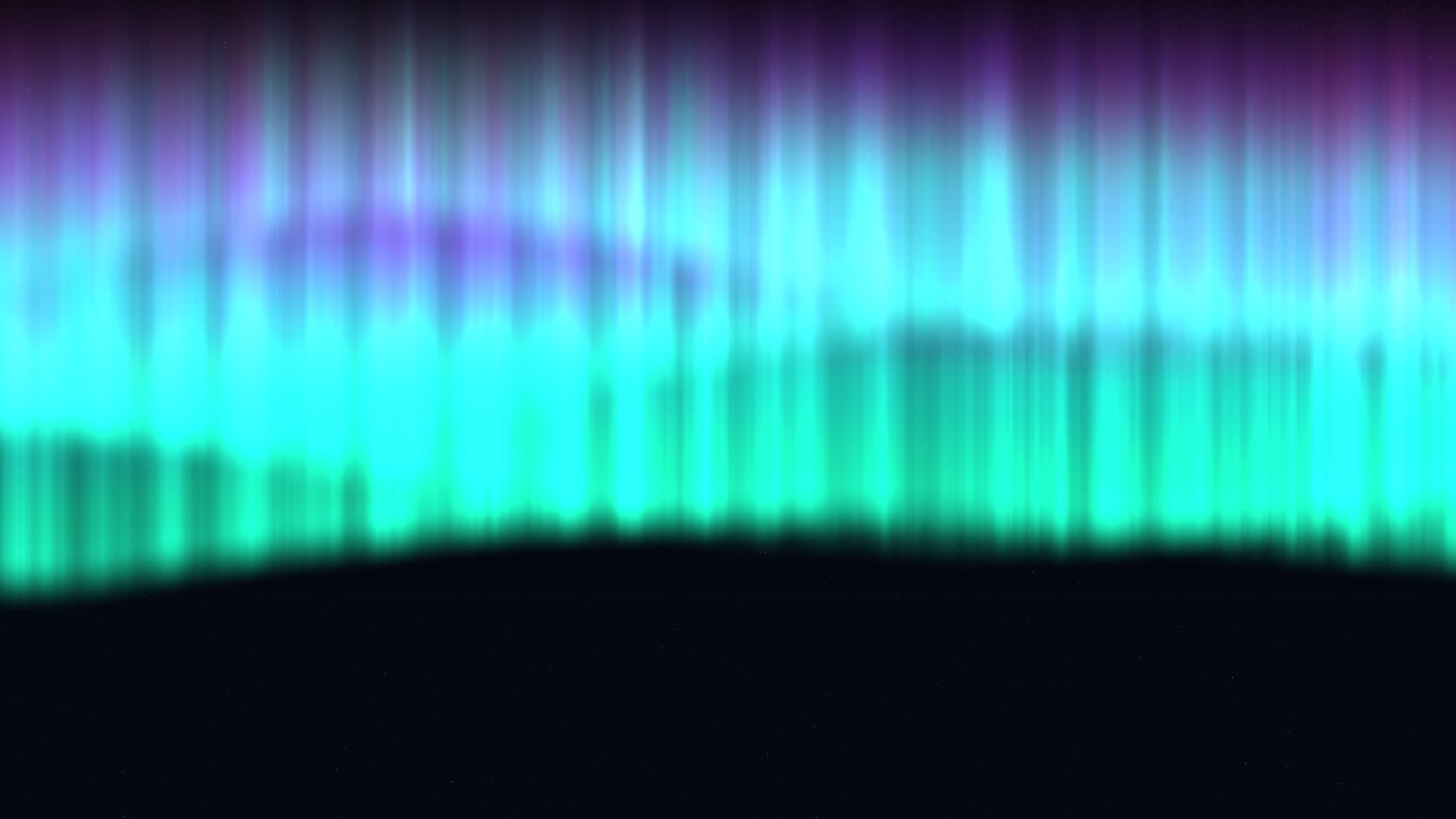
Aurora Borealis
Ethereal ribbons of solar wind ionizing high-altitude atmospheric oxygen and nitrogen molecules across an Arctic nocturnal sky.
2.6ms frame time · 60fps verified
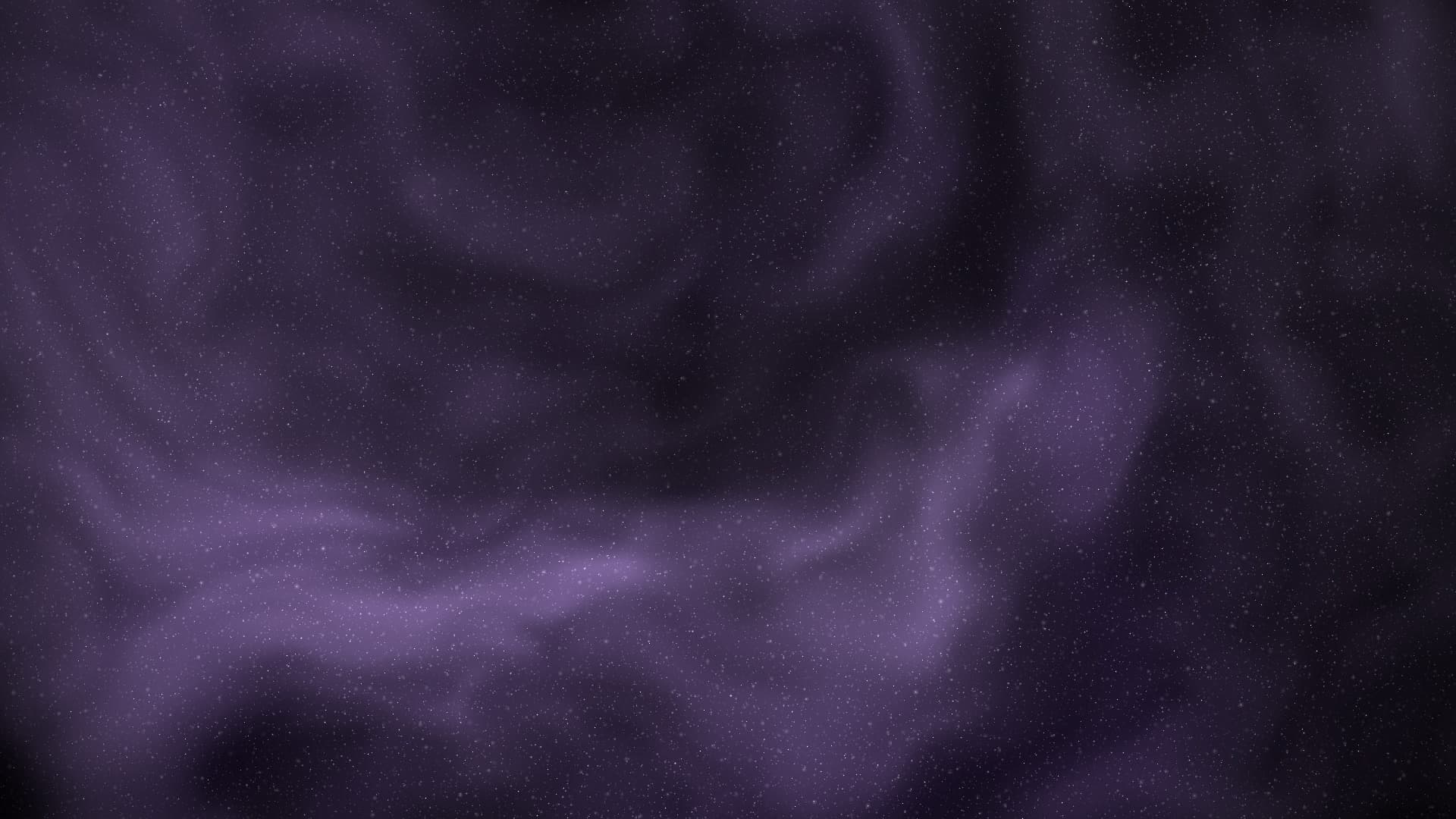
Deep Space
Immersive deep cosmos starfield with hyper-dense stellar constellations, cosmic dust nebulae, and realistic relativistic parallax.
1.7ms frame time · 60fps verified
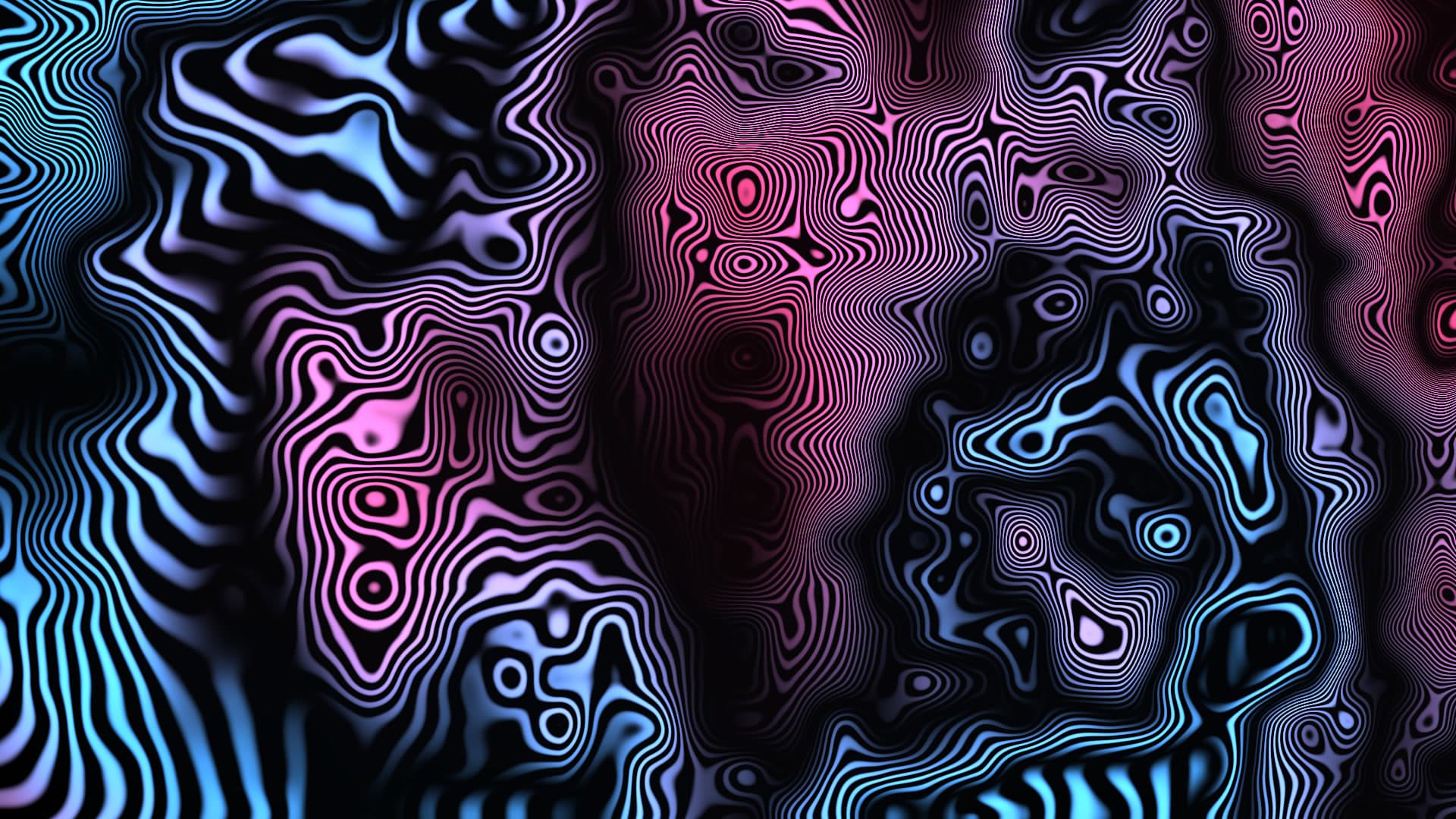
Perlin Flow Fields
Millions of luminous microscopic particles advected along curling curl-noise vector currents leaving phosphorescent trails.
3.1ms frame time · 60fps verified
Gradient Mesh Drift
Silky smooth pastel gradient surface gently warping and breathing across high-dimension control points.
1.6ms frame time · 60fps verified
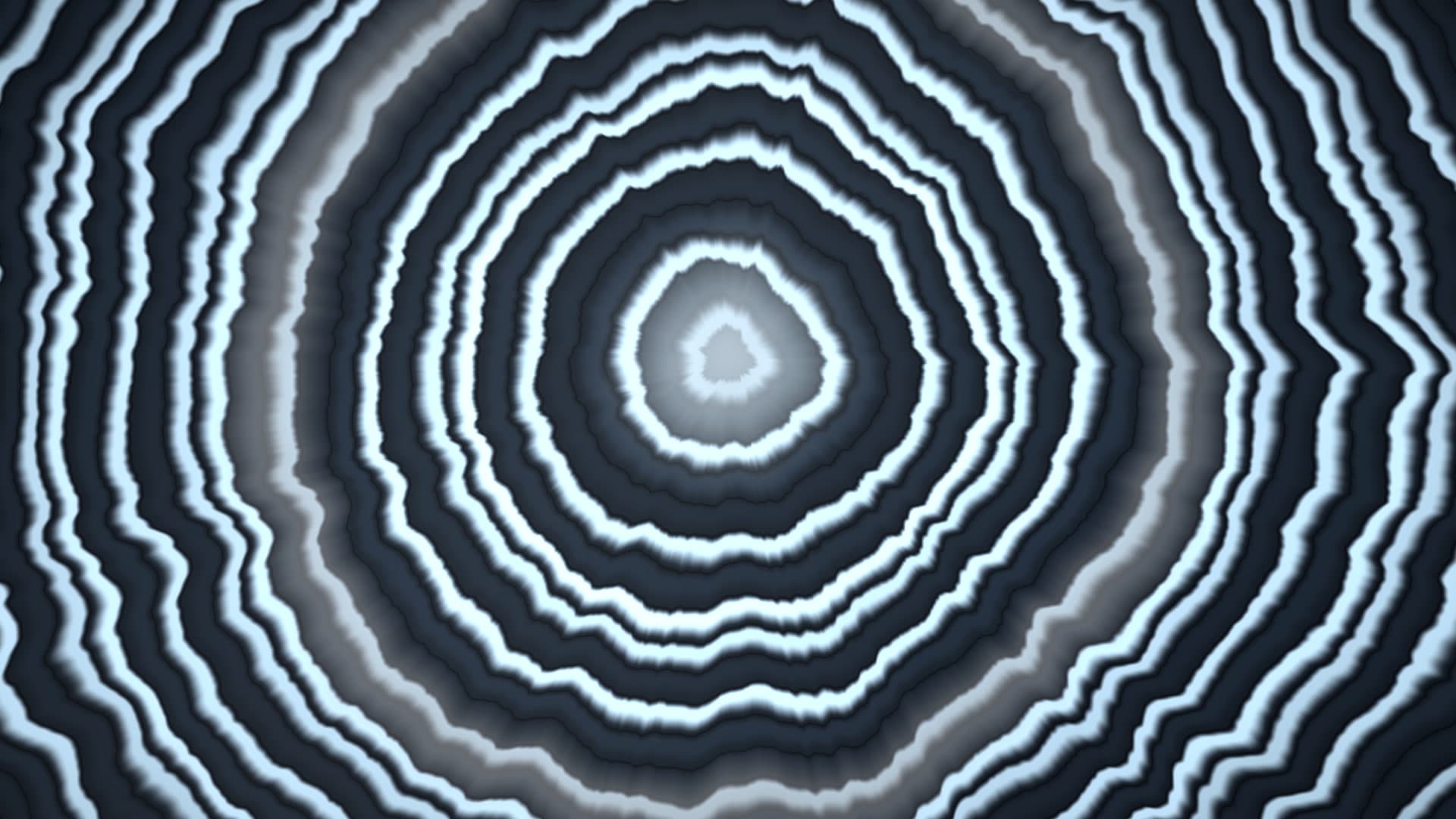
Agate Slice
Polished geological agate geode revealing concentric mineral crystallization rings, quartz crystalline cores, and organic banded layers.
2.1ms frame time · 60fps verified
Breathing Gradient
Calming mindful color gradient oscillating at meditative respiratory tempos within perceptual OKLAB chromatic color space.
1.1ms frame time · 60fps verified
Run these on your MacBook Pro 16-inch
Novaframe renders each wallpaper live on your GPU at your panel's native resolution, pausing whenever the wallpaper is covered. Download the free engine, pick a theme, apply it in one click.