Live Wallpapers for Dual Monitor Mac Setup
A dual-monitor Mac setup is the most common professional configuration and the one most often served the worst wallpaper: either a single image stretched across both screens, which puts the seam through the middle of the subject, or two copies of the same file with mismatched colour because the panels were never calibrated to each other. The correct approach is one wallpaper instance per display, each rendered at its own native resolution — macOS treats the pair as separate screens, and a procedural engine does the same, drawing a separate context for each so the composition on the left monitor is framed for that monitor and not cropped from a canvas sized for the other. That also solves the colour problem: both contexts run the same shader with the same parameters, so the two panels show identical hues even when their gamuts differ slightly, and each display idles independently — cover the left screen with a window and only its renderer pauses.
Dual Monitor Mac Setup display specifications
- Native resolution
- Two displays, e.g. 3840 × 2160 each
- Aspect ratio
- 16:9 per display
- Pixel density
- —
- Panel
- Any macOS-supported external displays
- Refresh rate
- 60Hz per display (model-dependent)
- Colour gamut
- Matched P3/sRGB recommended
Calibration & performance on this panel
Calibration baseline is 16:9 per display, which is what nearly every external monitor ships as, so the composition previewed at 16:9 is what each screen shows — no stretching across the pair, no seam through the middle. When the two displays differ in resolution, the engine renders each at its native size rather than upscaling one to match the other, which keeps text and hairline geometry sharp on whichever panel is denser. Performance scales linearly: two contexts cost roughly double one, and the benchmark figures on each theme page are per-context, so a theme holding 60fps on a single 4K display still holds it across a pair. For mixed-refresh setups, cap both at the lower of the two rates so the desktop never shows one screen visibly behind the other.
Start with the Standard Widescreen (16:9) (16:9) edition of Perlin Flow Fields — rendered at your exact resolution — or browse the full procedural directory.
Tested on Dual Monitor Mac Setup
6 themes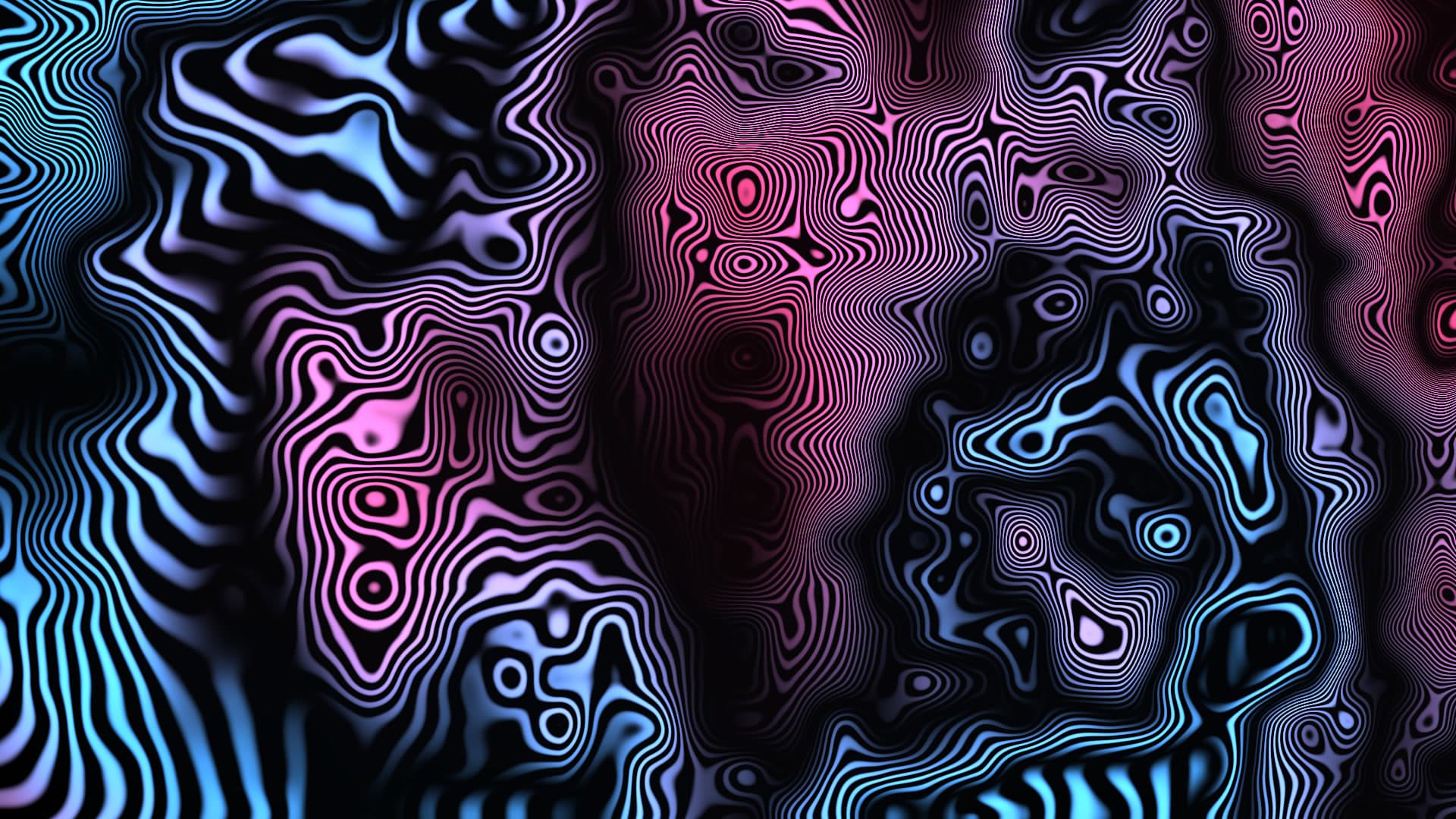
Perlin Flow Fields
Millions of luminous microscopic particles advected along curling curl-noise vector currents leaving phosphorescent trails.
3.1ms frame time · 60fps verified
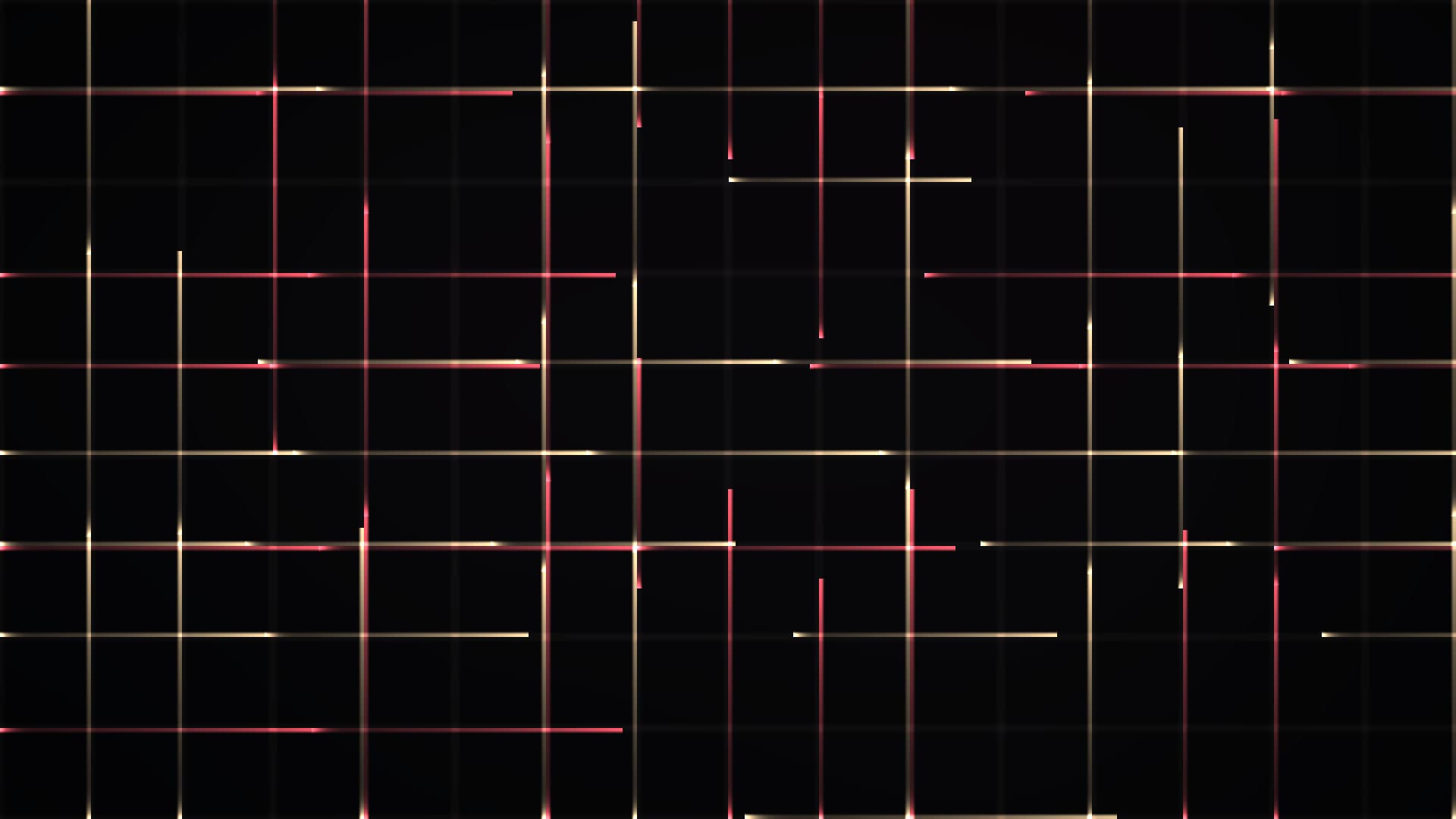
Night Traffic Grid
Isometric metropolis street grid with red taillight and white headlight streaks streaming through urban canyons.
2.3ms frame time · 60fps verified
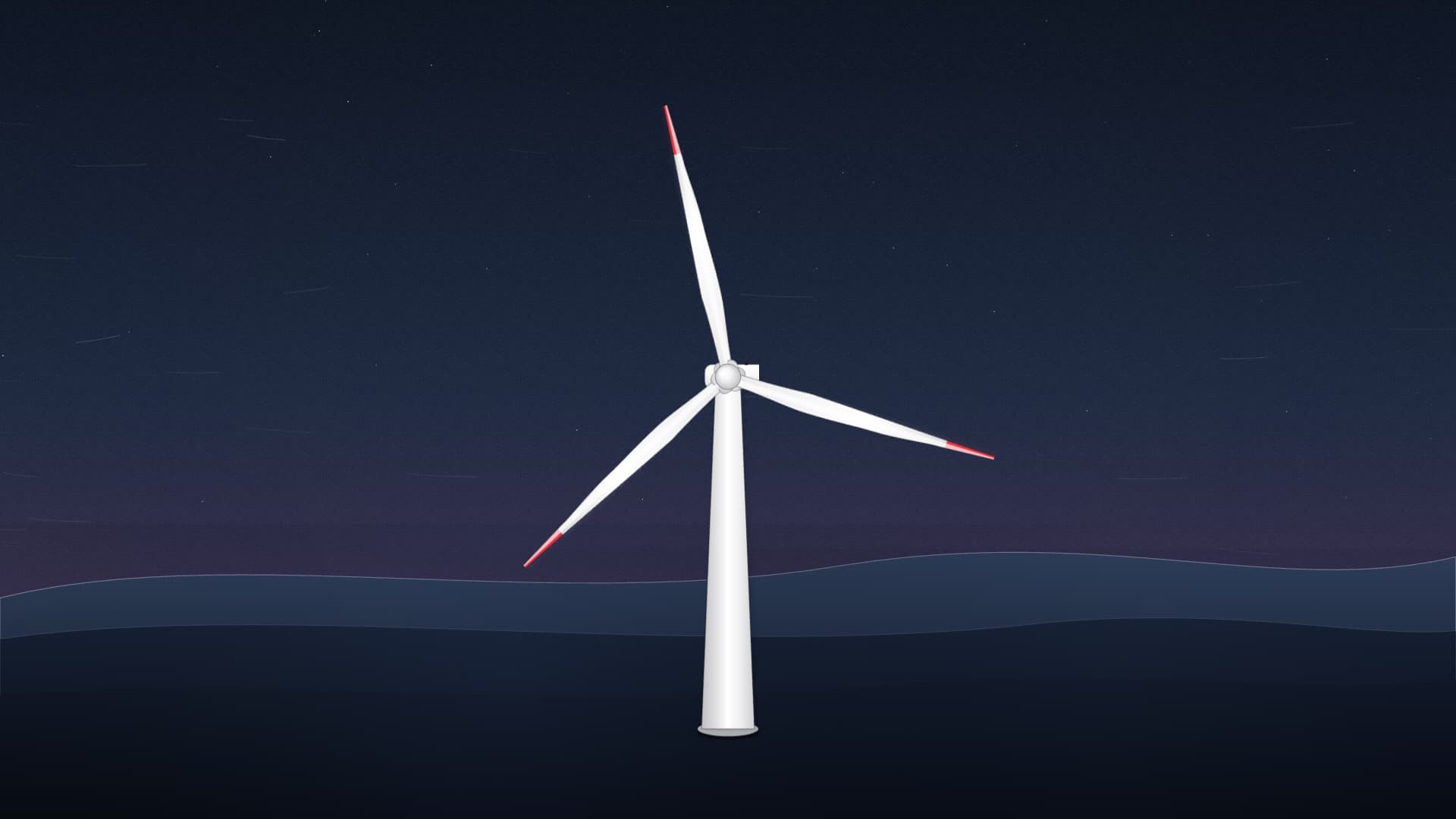
Wind Turbine
Utility wind turbine procedural simulation with aerodynamic camber shading, aviation strobe beacon, and atmospheric twilight modes.
1.8ms frame time · 60fps verified
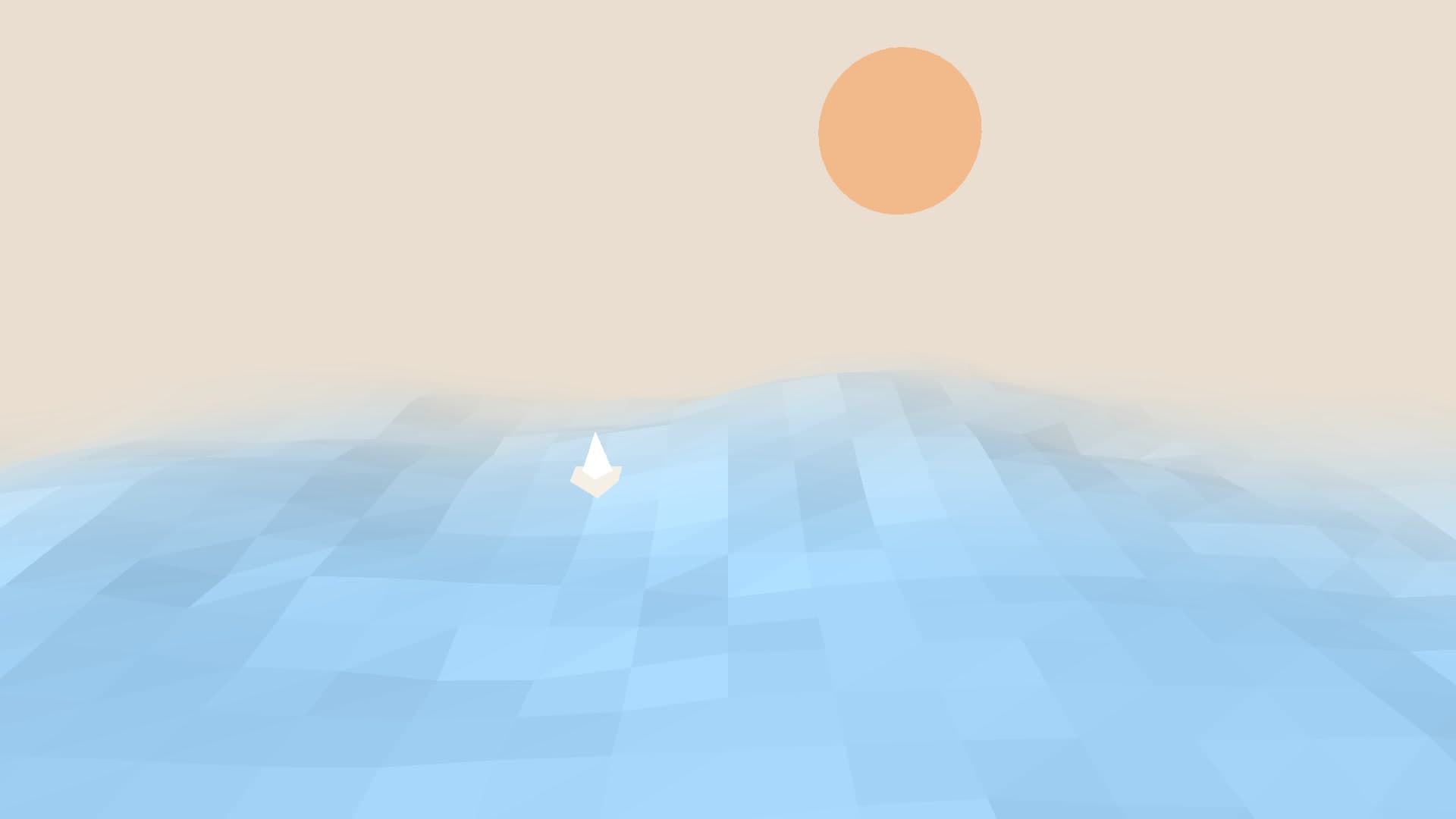
Paper Ocean
Stylized origami craft ocean composed of cut-paper wave layers undulating gently with subtle paper-grain textures.
1.7ms frame time · 60fps verified
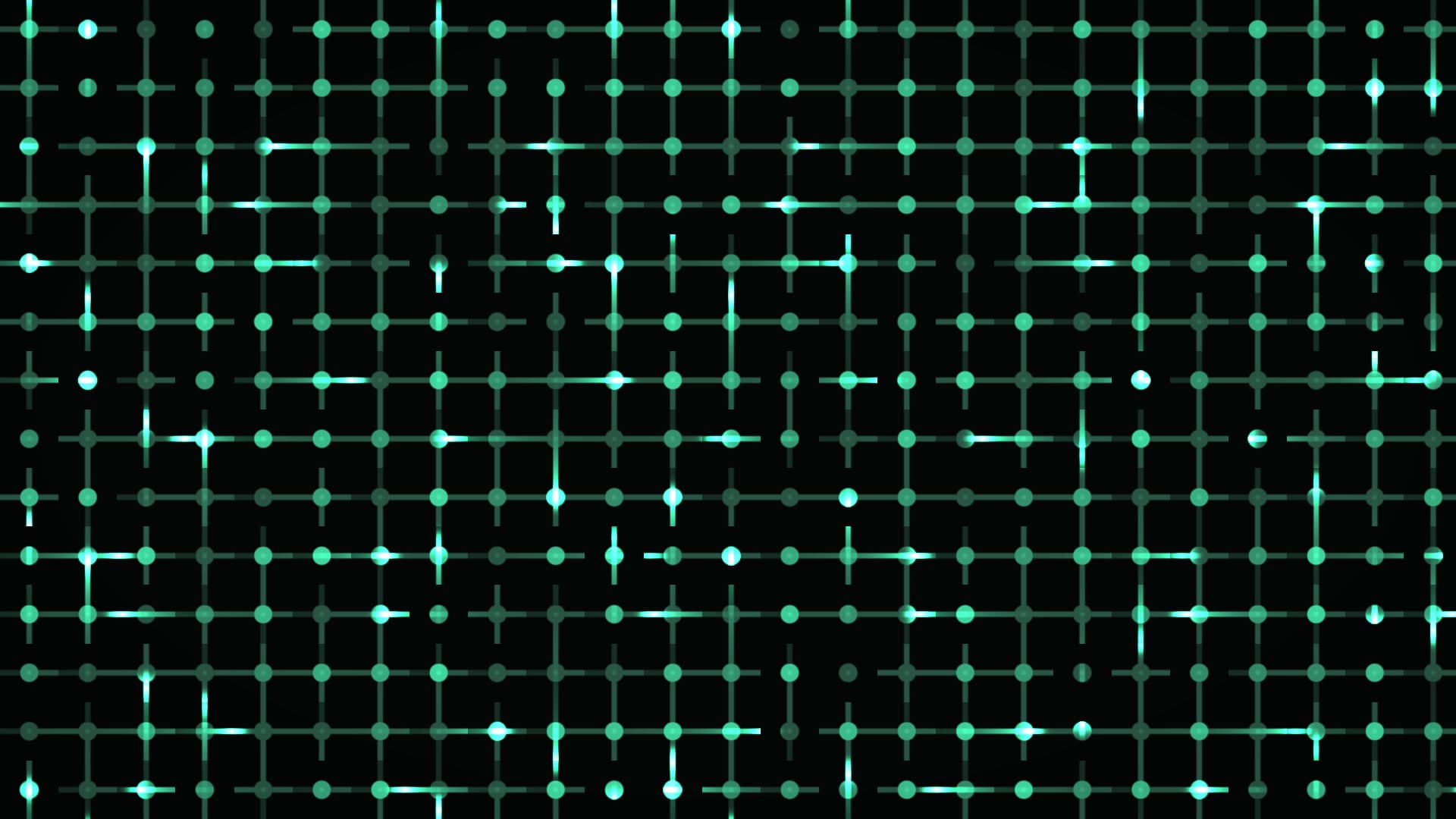
Circuit Board Pulse
High-speed data packet propagation racing through microelectronic PCB bus pathways and silicon logic gates.
1.9ms frame time · 60fps verified
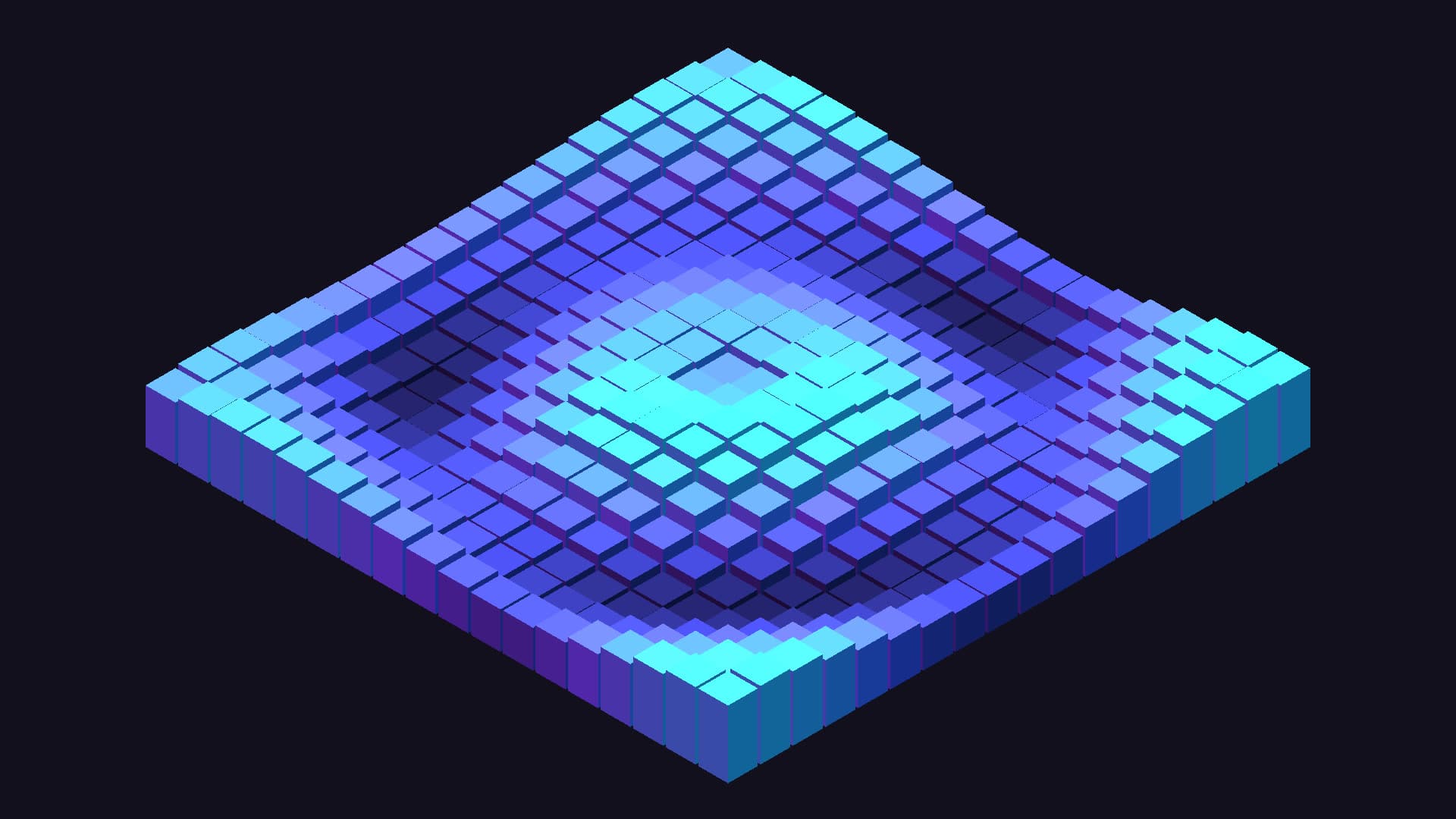
Isometric Cube Field
Monolithic isometric array of architectural prisms rising and descending in undulating rhythmic waves.
2.1ms frame time · 60fps verified
Run these on your Dual Monitor Mac Setup
Novaframe renders each wallpaper live on your GPU at your panel's native resolution, pausing whenever the wallpaper is covered. Download the free engine, pick a theme, apply it in one click.