Does Rainmeter Work on Mac? Best macOS Alternatives in 2026
No, Rainmeter does not run on Mac. Here are the best native macOS alternatives for desktop widgets, system monitors, and live GPU wallpapers in 2026.
If you have migrated from Windows to a MacBook or Mac Studio, one of the first customization tools you will search for is Rainmeter. On Windows, Rainmeter is the undisputed king of desktop skins, visualizers, system monitoring meters, and animated backdrops.
The plain answer: Rainmeter does not run on macOS. Its developers have confirmed they will not port it over because its codebase relies entirely on legacy Windows Win32 APIs and DirectX hooks.
While Wine or CrossOver can launch Windows executables on Apple Silicon, they cannot hook behind the macOS Quartz Compositor to draw underneath desktop icons. A ported Rainmeter simply floats as an awkward desktop window and consumes over 30% CPU translating DirectX calls.
Instead, the macOS customization ecosystem relies on purpose-built native tools. Here is how each native Mac tool maps to Rainmeter's primary features:
| Rainmeter Feature | Best Mac Alternative | Architecture | Best For |
|---|---|---|---|
| Live Wallpapers & Shaders | Novaframe | Native Rust / Metal / WebGL | Smooth 60fps desktop motion, <1% CPU |
| Desktop HTML/CSS Widgets | Übersicht | Local Node / WebKit | Custom desktop clocks, weather, calendars |
| Menu Bar & Status HUD | Sketchybar | C / Shell scripts | Highly scripted minimalist status bars |
| System & Hardware Stats | Stats | Swift / Native macOS | CPU, RAM, GPU, battery, network meters |
| Web Dashboard Pins | Plash | Swift / WebKit | Pinning live web URLs as background |
1. Novaframe (Best for GPU-Accelerated Live Wallpapers & Motion)
If you used Rainmeter primarily to turn your static desktop into a living, responsive canvas, Novaframe is the native macOS equivalent you are looking for.
Unlike Windows tools that rely on unoptimized video files or heavyweight wrappers, Novaframe is built in lightweight native Rust and WebGL. It renders procedural math, particle physics, and aesthetic fluid shaders directly on the Apple Silicon GPU at 60fps.
- Pros:
- Near-zero CPU impact (typically under 1% CPU on M1/M2/M3/M4 chips).
- Native macOS integration: Automatically re-anchors during monitor hot-plugging and clamshell mode.
- Native power conservation: Automatically pauses rendering when full-screen applications or battery saver modes are active.
- Cons: Focused on visual desktop art and generative scenes rather than modular RSS feeds or clock widgets.
- Pricing: Free engine download with included themes; premium individual generative themes available.
For a full breakdown of how Novaframe compares to Windows desktop engines, check our guide on Wallpaper Engine alternatives for Mac.
2. Übersicht (Best for Coding Custom HTML/JS Desktop Widgets)
For power users who loved creating their own Rainmeter .ini skin configs, Übersicht is the most direct conceptual successor on macOS.
Übersicht runs a minimal local web server and renders custom widgets directly behind your desktop icons using HTML5, CSS, and JavaScript.
- How it works: You can write Node.js or bash scripts that poll your system (CPU temperature, battery health, Wi-Fi speed, Spotify track info) and style them using modern CSS and CoffeeScript/React.
- Best for: Developers, designers, and tinkerers who want full control over minimal desktop typography, calendars, and system status widgets.
- Drawback: Requires basic coding knowledge to configure and tweak widgets.
3. Sketchybar (Best for Minimalist Menu Bar & Status Customization)
While not strictly a desktop surface replacement, many users who search for Rainmeter skins actually want a hyper-customized menu bar and system HUD.
Sketchybar is a high-performance macOS status bar replacement written in C. It completely replaces or augments the default macOS menu bar with modular, dynamic shell-scriptable components.
- Key features: Blazing fast, consumes fractions of a percent of CPU, and supports deep yabai / aerospace window manager integration.
- Best for: Keyboard-centric workflow enthusiasts and tiling window manager users.
4. Stats (Best for System Monitoring & Hardware HUDs)
A primary reason millions of users install Rainmeter on Windows is to monitor real-time CPU usage, RAM capacity, GPU temperatures, battery health, and network speeds.
On macOS, the gold-standard free open-source equivalent is Stats (by Vladislav Yaroslavlev).
- How it works: A 100% native Swift menu bar application that displays real-time telemetry graphs, temperature sensors, battery discharge rates, and per-process resource hogs.
- Why it beats Rainmeter wrappers: It uses Apple's native IOKit and SMC APIs, consuming virtually zero resources while giving deeper hardware metrics than any Windows port could achieve.
- Pricing: 100% free and open-source on GitHub.
5. Plash (Best for Simple Web Embeds as Wallpapers)
Created by prolific macOS utility developer Sindre Sorhus, Plash allows you to set any public URL or local HTML file as your desktop background.
- Use case: If you have a web dashboard (like a Grafana monitor, Google Calendar view, or live stock ticker), Plash pins it directly to your wallpaper layer.
- Drawback: Running heavy browser tabs on your desktop can quickly eat into unified RAM if you load complex web applications.
How to Choose the Right Setup
On macOS, the best desktop setups combine focused, purpose-built native tools rather than one massive monolithic suite:
- For living, generative desktop motion: Use Novaframe to run smooth, battery-friendly shaders like Silk Aurora or Breathing Gradient.
- For custom desktop stats and clocks: Layer Übersicht widgets over your desktop canvas.
- For menu bar and hardware metrics: Pair with Stats or Sketchybar.
- For animated live wallpapers vs Windows: Compare specs on our Wallpaper Engine for Mac alternative guide.
By delegating visual rendering to the GPU through Novaframe and lightweight metrics to native Swift/shell utilities, you get the visual power of a fully customized Rainmeter setup without sacrificing battery life or fan silence.
Pomodoro Ring
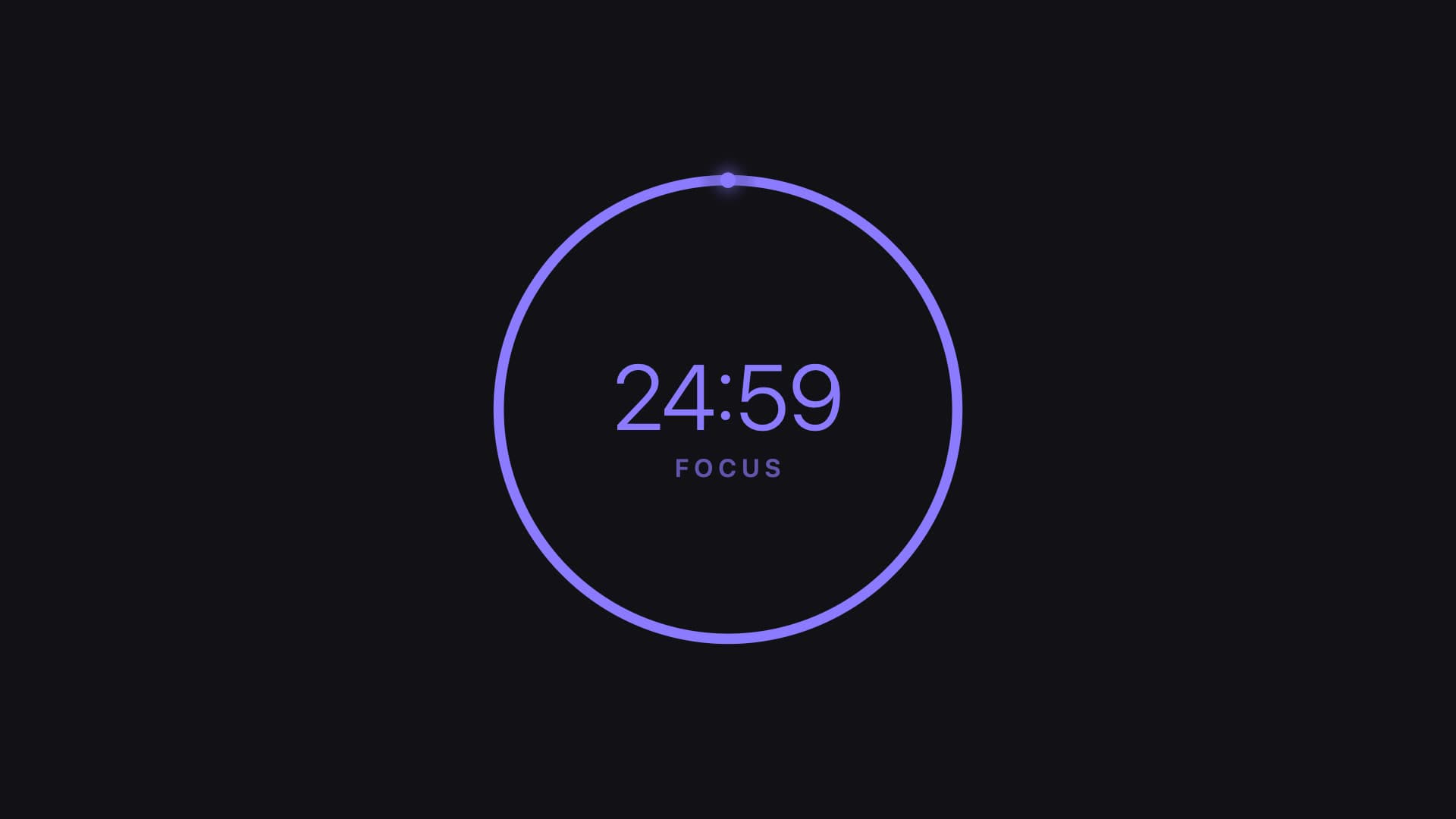
Supercharge your productivity. A minimalist circular timer bakes focus techniques right into your desktop. Work hard and break smart. Customize your focus minutes, break intervals, and striking indicator colors. Get things done.
Get native GPU live wallpapers on Mac with Novaframe
Novaframe is the lightweight desktop engine for macOS — smooth procedural shaders and dynamic scenes running on your GPU at under 1% CPU. Free to download.
Frequently asked questions
Related articles
macOS Sequoia Wallpaper Keeps Resetting to Default? Here Is the Permanent Fix
Fix the persistent macOS Sequoia bug where custom desktop wallpapers revert to default after reboot, sleep, or external monitor disconnect.
4 min readDual Monitor Live Wallpapers on Mac: Performance, Clamshell & Setup Guide
Everything you need to know about running live, animated wallpapers on Mac multi-monitor setups, external 4K displays, and clamshell mode.
4 min readDo Live Wallpapers Drain MacBook Battery? Apple Silicon Benchmarks (M1–M4)
Can you run live wallpapers on a MacBook without destroying your battery? Real benchmarks comparing Video Loops, Dynamic Desktop, and Procedural Shaders on Apple Silicon.
4 min read