Live wallpapers,
built by hand.
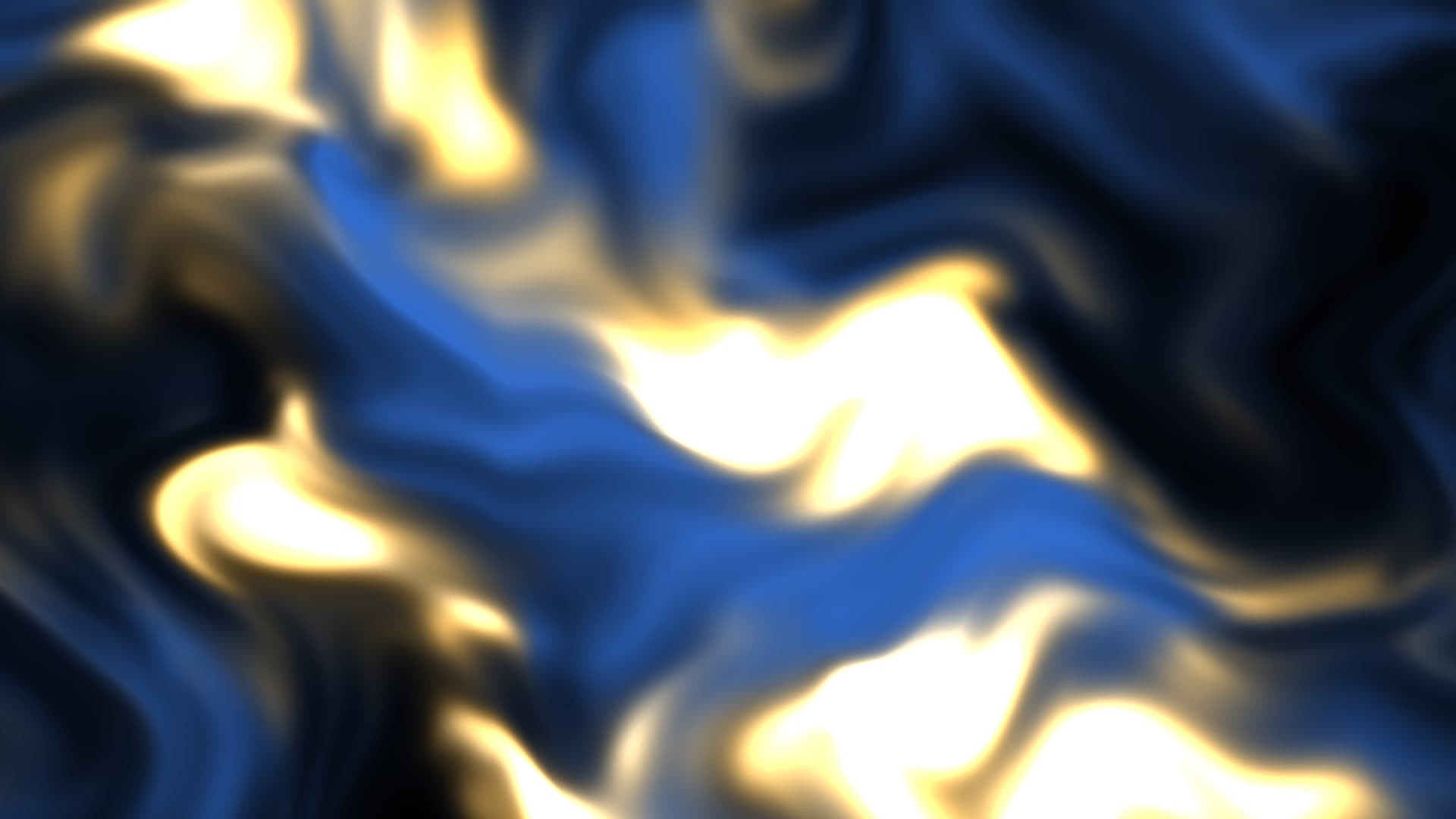
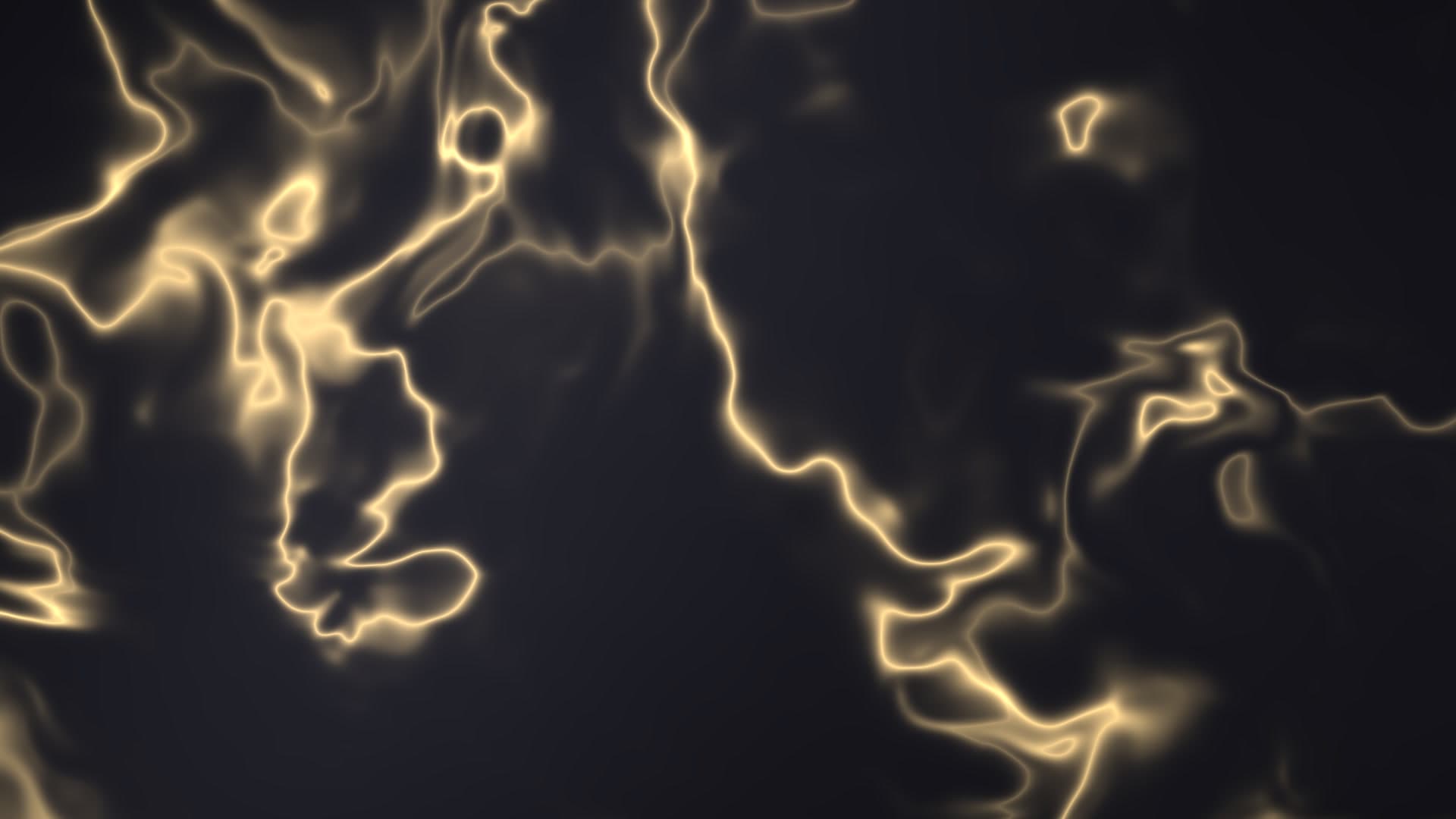
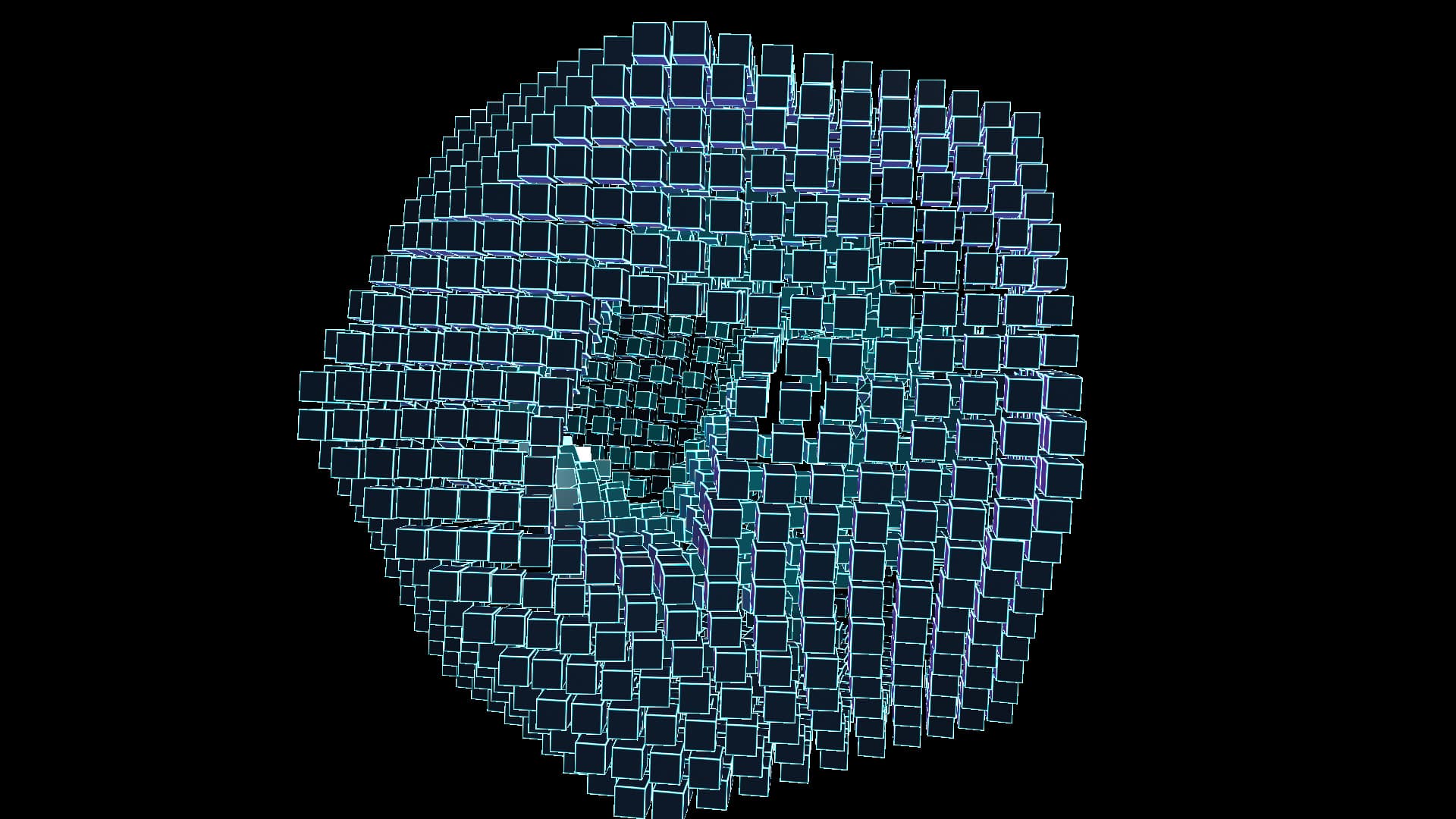
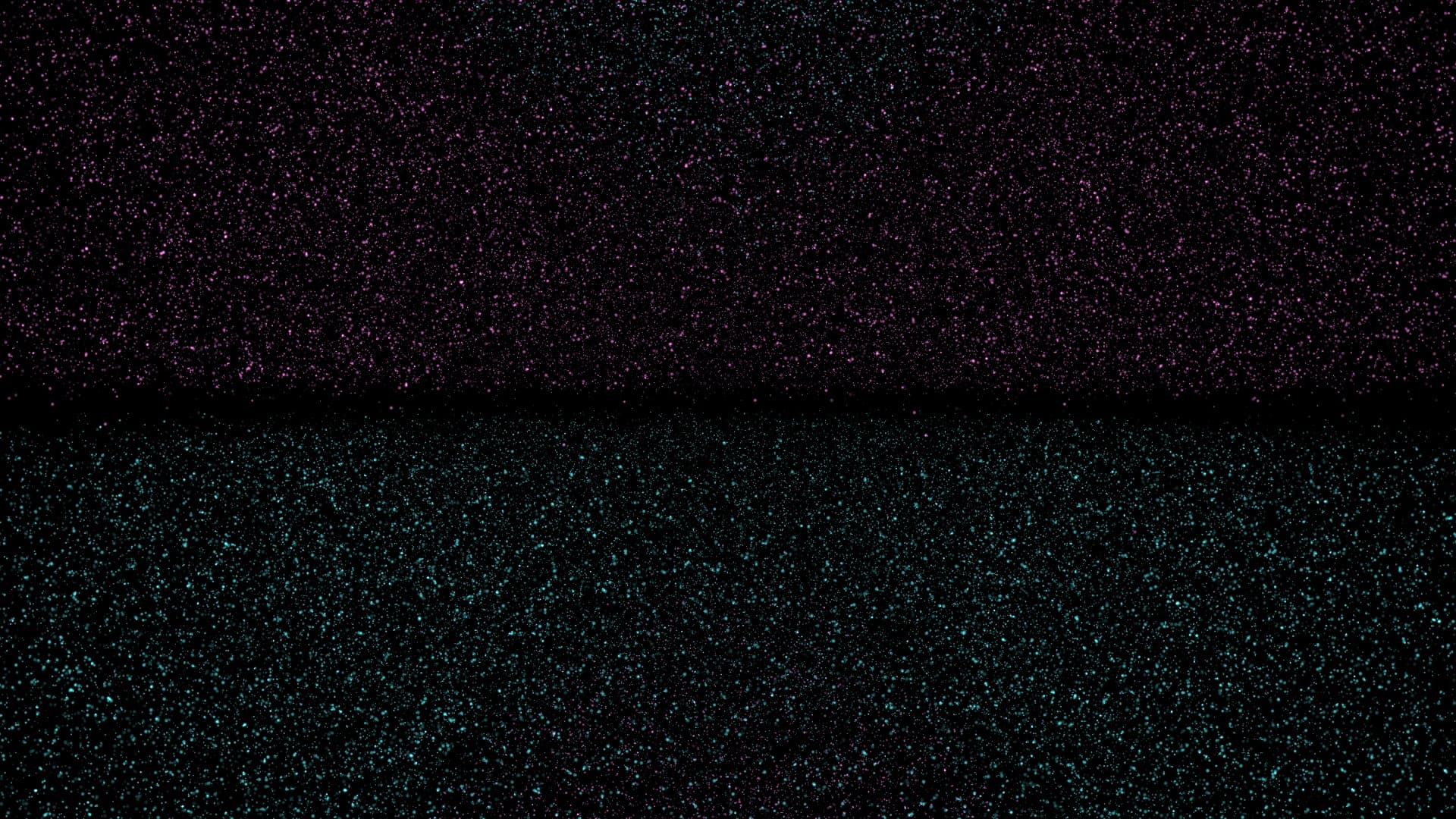
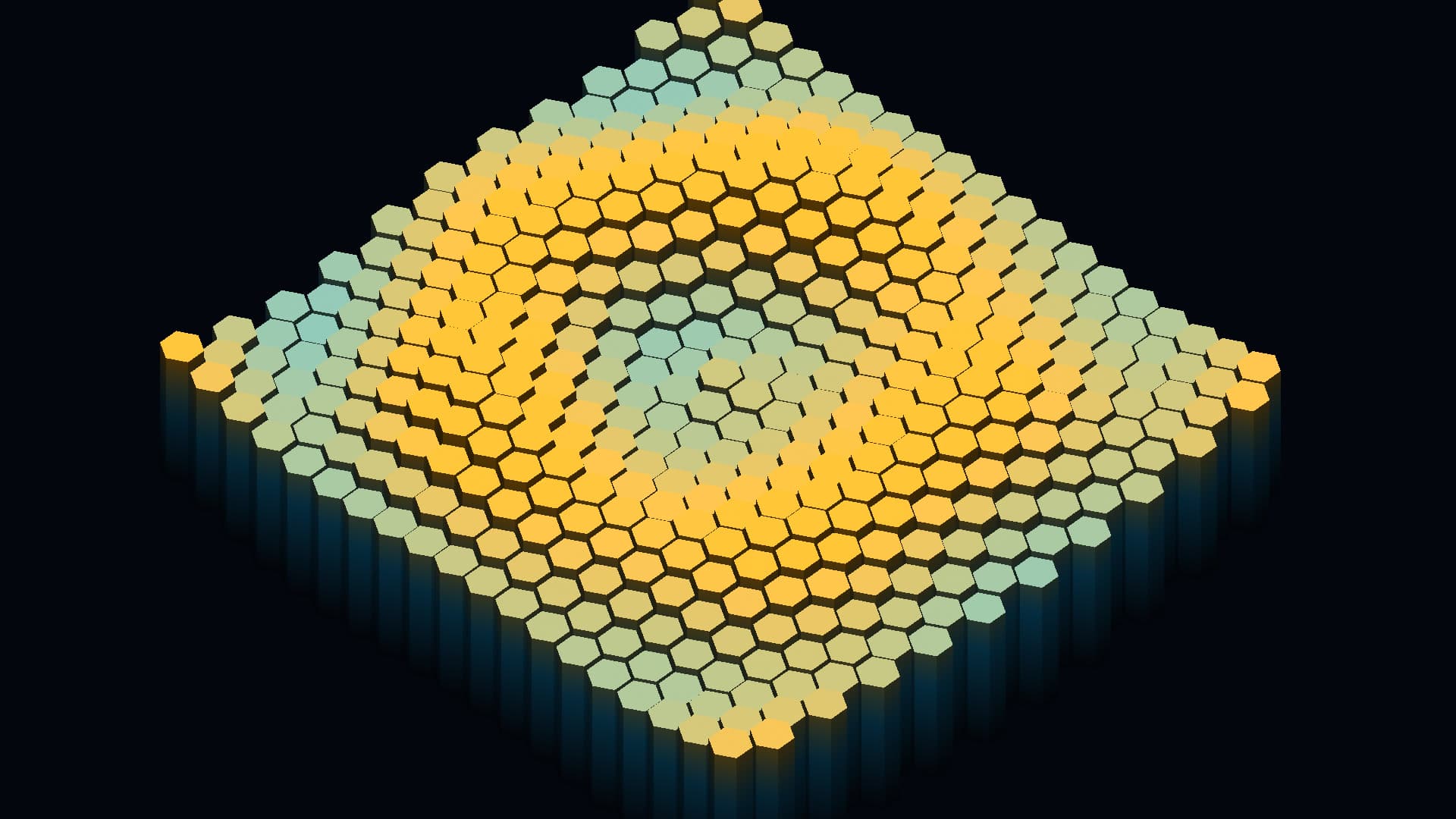
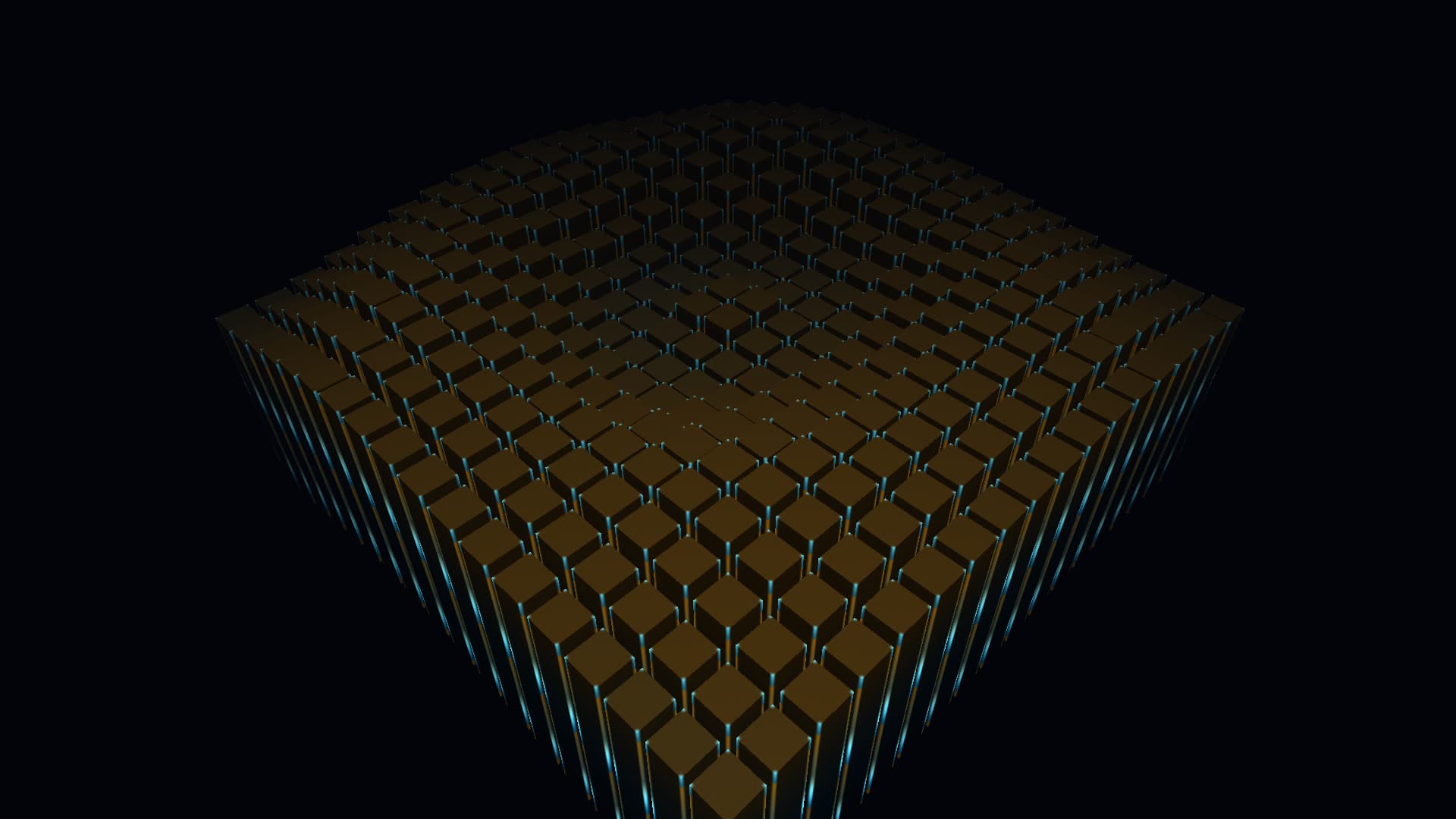
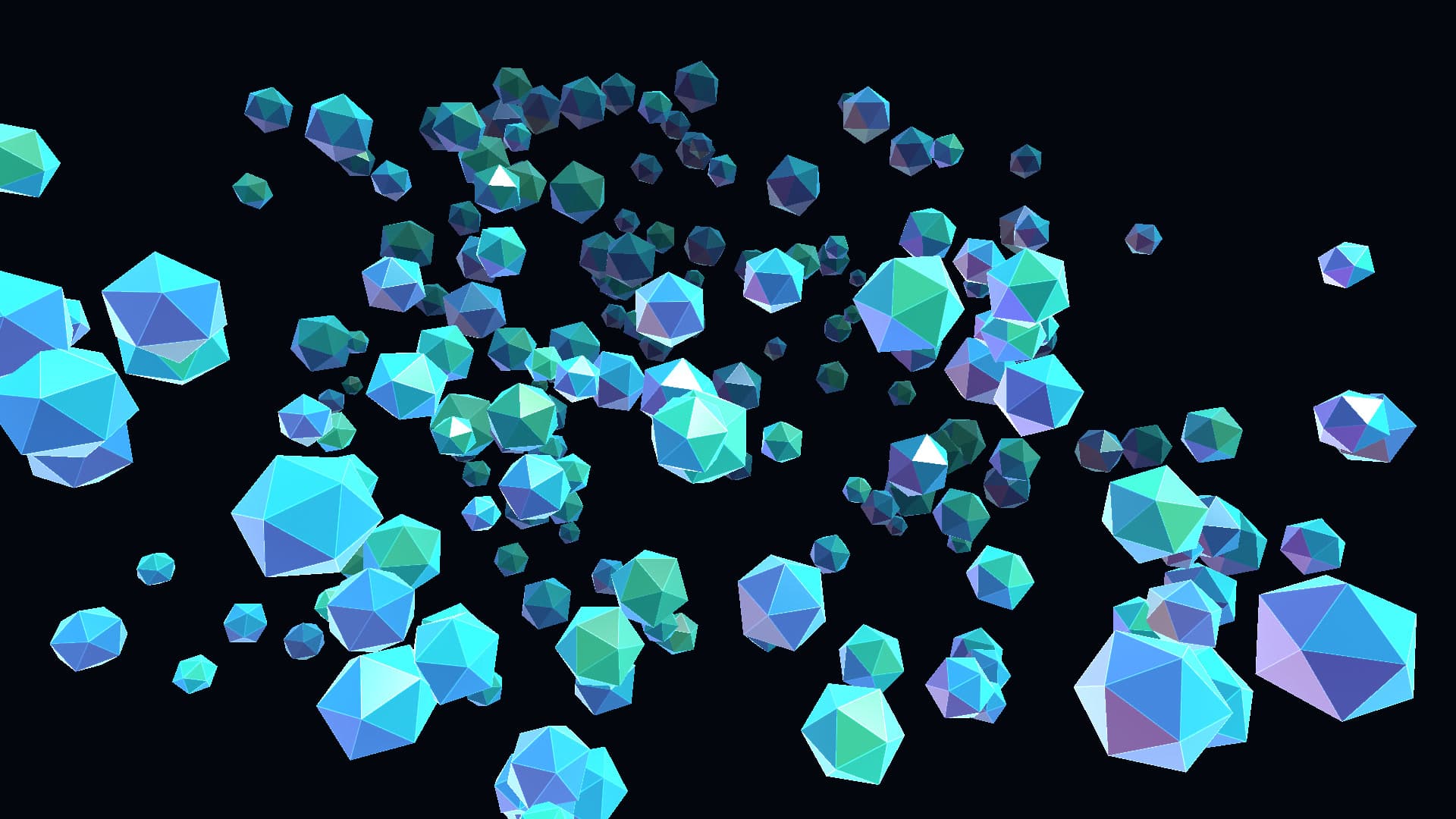
In the catalogue
All 71 wallpapers

How it works
- Install the engine
- A small desktop app for macOS and Windows. It renders wallpapers on the GPU and pauses them the moment a window covers the desktop.
- Buy a wallpaper
- One payment, no subscription. It lands in your vault and stays there, including every update shipped to it later.
- Apply it
- One click from the store window. Most wallpapers expose a few settings — speed, colour, density — that you can tune live.
Frequently Asked Questions
Everything you need to know about Novaframe live wallpapers and engine performance.
Novaframe supports macOS 12+ (Apple Silicon M1/M2/M3/M4 & Intel) and Windows 10/11 (64-bit). The Novaframe Engine app renders native Metal on Mac and DirectX on Windows.
No. Novaframe Engine detects when a window, full-screen app, or game covers your desktop and immediately pauses GPU rendering. Zero CPU/GPU is wasted while working or gaming.
All individual wallpapers and engine licences are buy-once, keep-forever. There are no recurring monthly fees or locked features.
We offer a 30-day no-questions refund policy. If any wallpaper fails to render or perform on your setup, email support@novaframe.co.uk for a fast refund.
Download the free Novaframe Engine app for your platform. Once signed in, your purchased wallpapers appear in your Vault ready to apply in a single click.