Live Wallpapers for MacBook Air 15-inch
The 15-inch MacBook Air (M2, M3, M4) runs a 2880 × 1864 Liquid Retina display at 224ppi — a full P3 panel with no fan to cool it, which changes the calculus for live wallpapers completely. Because the Air is passively cooled, anything that pins the CPU is felt as warmth on the palm rest and as battery percentage in the status bar, so the wrong wallpaper (a video loop, an Electron widget) really does cost you on this machine. The right one barely registers: Novaframe renders on the GPU, auto-pauses the moment a window covers the wallpaper, and every theme on this page is measured against the same 60Hz panel you are looking at, so the 60fps target is a real ceiling rather than a marketing number. At 16:10 the panel also gives clocks and desk compositions that extra vertical band that 16:9 external monitors cut away.
MacBook Air 15-inch display specifications
- Native resolution
- 2880 × 1864
- Aspect ratio
- 16:10
- Pixel density
- 224 ppi
- Panel
- Liquid Retina IPS
- Refresh rate
- 60Hz
- Colour gamut
- P3 wide color
Calibration & performance on this panel
Calibration baseline is 16:9 scaled to fill 16:10 by extending the field vertically — proportions are preserved, only the frame grows. This is the display where the battery-friendly picks matter: Minimalist and Biophilic themes render a handful of shapes per frame and hold the fan-less chassis at idle temperature, while a full raymarched scene is best left at the default 30fps cap on battery. The engine exposes a per-theme framerate target, so the honest setup for an Air is a simple gradient or clock at 30fps on battery power, uncapped when plugged in — visually identical at 224ppi, measurably cheaper in watt-hours.
Start with the Standard Widescreen (16:9) (16:9) edition of Breathing Gradient — rendered at your exact resolution — or browse the full procedural directory.
Tested on MacBook Air 15-inch
6 themes
Breathing Gradient
Calming mindful color gradient oscillating at meditative respiratory tempos within perceptual OKLAB chromatic color space.
1.1ms frame time · 60fps verified
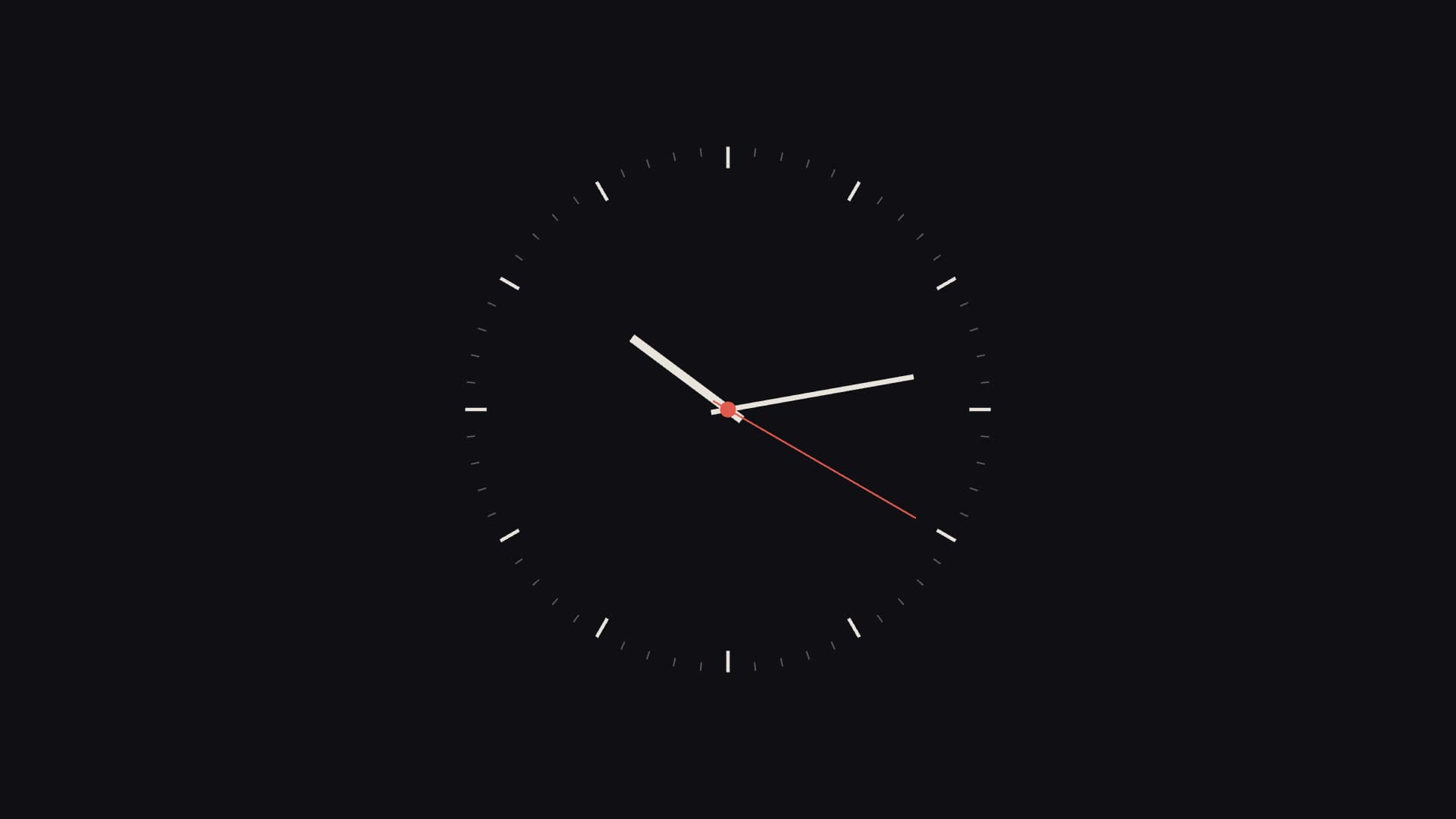
Minimal Clock
Bauhaus-inspired minimalist analog clock focusing on ultra-clean proportions, sweeping hands, and subtle depth shadows.
1.1ms frame time · 60fps verified
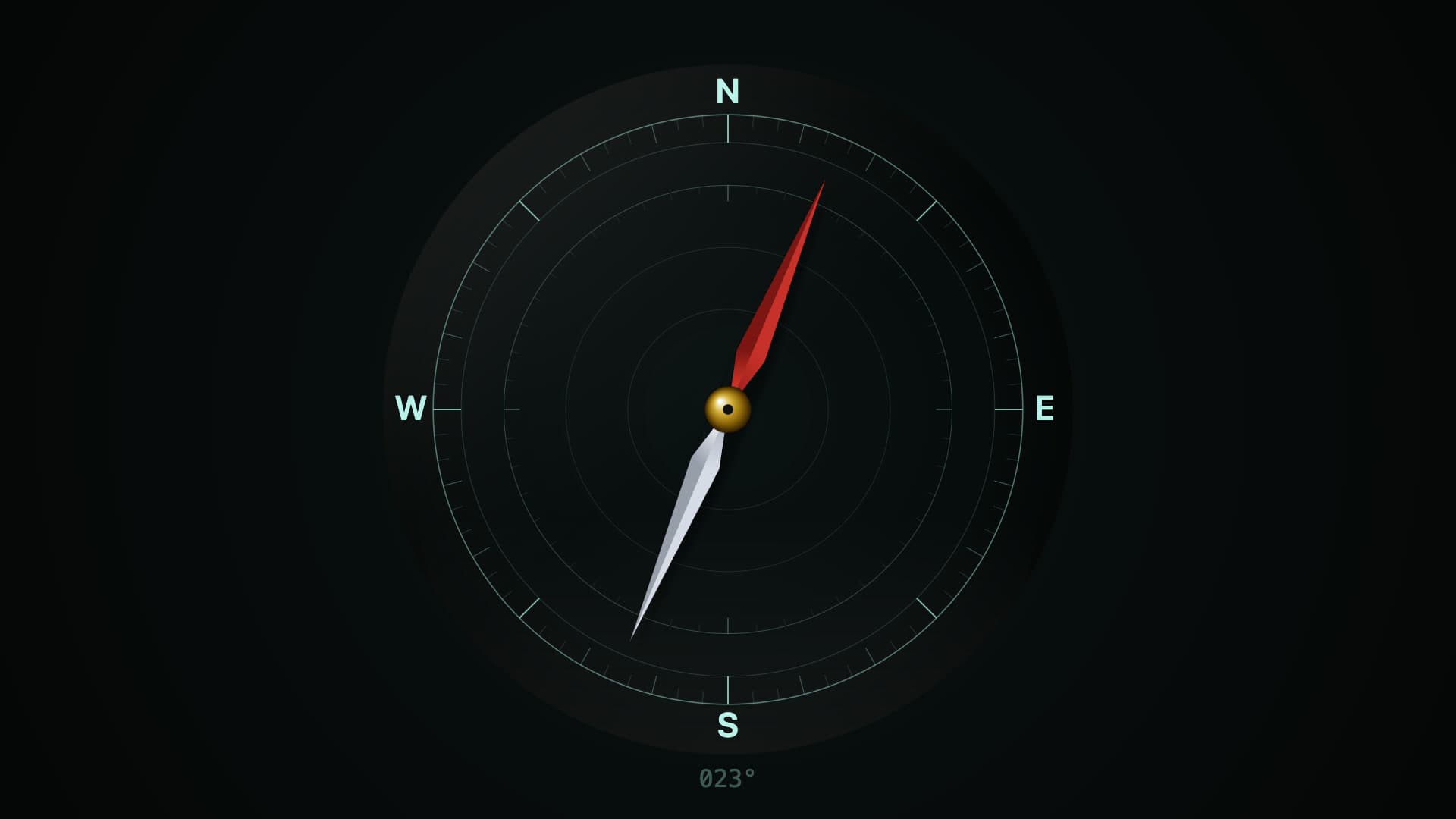
Compass Drift
Marine gimbaled magnetic compass rose floating in damping fluid, drifting dynamically with simulated oceanic currents.
1.4ms frame time · 60fps verified
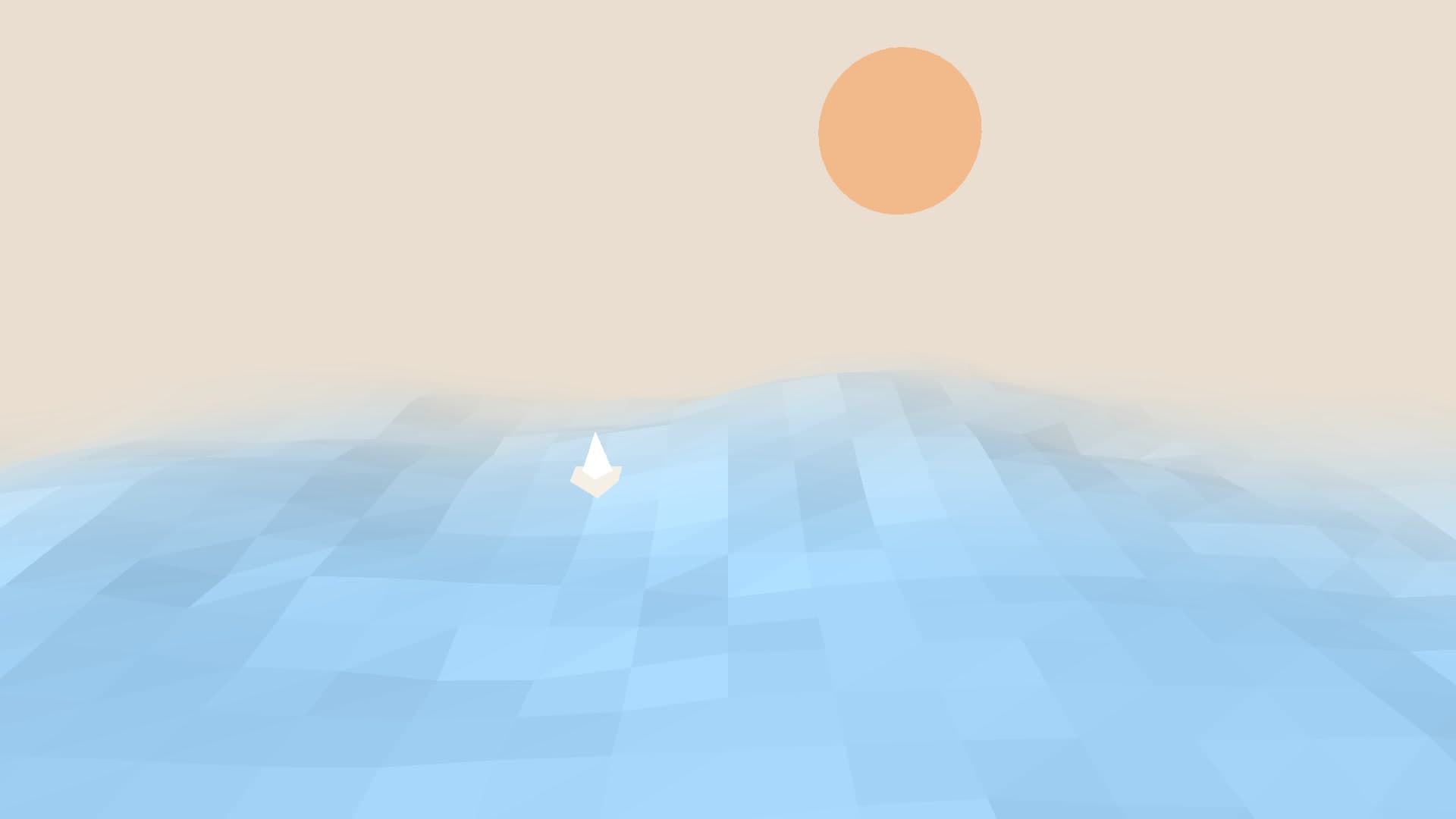
Paper Ocean
Stylized origami craft ocean composed of cut-paper wave layers undulating gently with subtle paper-grain textures.
1.7ms frame time · 60fps verified

Isobaric
Minimalist meteorological synoptic chart tracing isobar pressure curves, low-pressure cyclonic spirals, and wind vectors.
1.7ms frame time · 60fps verified
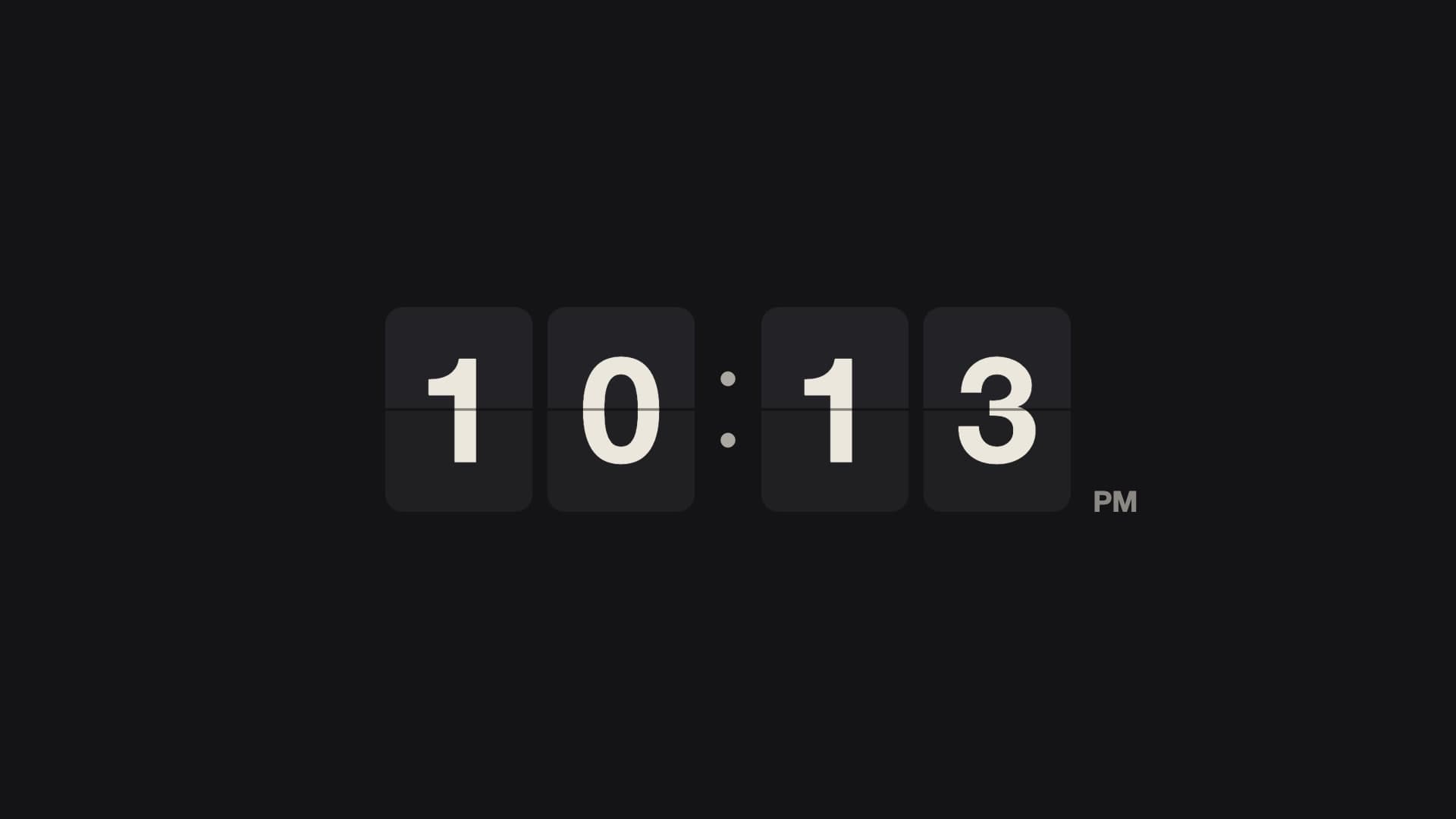
Flip Clock
Vintage split-flap mechanical airport departures clock flipping gracefully on time-boundary transitions.
1.3ms frame time · 60fps verified
Run these on your MacBook Air 15-inch
Novaframe renders each wallpaper live on your GPU at your panel's native resolution, pausing whenever the wallpaper is covered. Download the free engine, pick a theme, apply it in one click.