GPU-Accelerated Wallpapers, Explained (and Why They Beat Video Loops)
What 'GPU-accelerated wallpaper' actually means on macOS and Windows, how real-time WebGL/Metal shaders differ from looping video decoders, and measured battery benchmarks.
If you have shopped for desktop live wallpapers, you have seen the label "GPU-accelerated" attached to almost everything. It frequently sounds like vague marketing copy.
In practice, there is a fundamental architectural divide between the two ways an operating system can present motion behind your desktop icons. One approach wastes continuous battery wattage and triggers thermal throttling; the other hums along silently at near-zero CPU overhead.
Here is the engineering breakdown of how GPU-accelerated shaders actually work on modern operating systems, why they outperform traditional video loops, and what that means for your hardware.
1. Architectural Contrast: Video Decoding vs Shader Execution
Every live wallpaper engine uses one of two distinct pipelines:
The Video Loop Pipeline (Prerendered Footage)
A video wallpaper is essentially a looping movie file (.mp4, .mov, .webm, or .mkv).
- The engine reads compressed H.264 or HEVC packets from disk or RAM.
- The operating system’s media framework (AVFoundation on macOS or Media Foundation on Windows) repeatedly invokes hardware/software decoding blocks to reconstruct raw bitmap buffers (RGBA).
- The compositor blits 30 to 60 massive multi-megabyte frames per second to the desktop window level.
- When the clip hits the final frame, it loops back to the start—often creating a visible seam or momentary micro-stutter.
Even when video decoders leverage hardware blocks, the continuous data transfer across memory buses and constant compositor updates prevent the processor package from dropping into deep C-states (low-power sleep modes).
The GPU-Accelerated Shader Pipeline (Procedural Code)
A GPU-native wallpaper is not a video recording. It is a compact mathematical program—often written in GLSL (OpenGL Shading Language) or compiled for Apple Metal.
- The CPU sends a tiny payload (vertex coordinates and timing uniforms) to the GPU once per frame.
- The GPU executes arithmetic across thousands of parallel execution cores, calculating color and lighting equations directly into the framebuffer.
- Zero disk reads occur after launch. No multi-gigabyte video files occupy your SSD.
- Because the visual field is computed procedurally, the motion never loops, never repeats, and scales infinitely to any screen resolution without pixelation.
2. CPU vs GPU: Why Your Laptop Feels the Difference
On Apple Silicon (M1, M2, M3, M4) as well as modern PC architectures, the CPU and GPU play very different roles:
- The CPU is an out-of-order generalist designed to execute complex branch-heavy application logic, compile code, and run system daemons. When an app tasks the CPU with non-stop media handling, core temperatures climb, battery consumption accelerates, and cooling fans respond.
- The GPU is a massively parallel SIMD (Single Instruction, Multiple Data) matrix. Evaluating a procedural noise equation or particle field across millions of pixels simultaneously is native to GPU architecture.
Running a procedural WebGL or Metal wallpaper on a GPU is computationally lightweight: on an M-series Mac, modern shaders like Ignis: Solar Flares or Flow Fields typically draw under 1% CPU in Activity Monitor.
3. Resolution Independence on Modern High-DPI Displays
One of the greatest drawbacks of video wallpapers is fixed pixel resolution.
If you download a 1080p or 4K video loop and place it on a high-density Retina or 5K display, the operating system must upscale the compressed video, revealing macroblocking artifacts and softened edges.
Because procedural shaders calculate color values mathematically per pixel coordinate, they adapt automatically to the physical resolution of your monitor:
- On a MacBook Pro 16-inch (3456 × 2234), fine lines and celestial dust remain razor-sharp at 254 PPI.
- On a MacBook Air 15-inch, the fanless chassis stays cool because shaders execute within native GPU thermal envelopes.
- On an Apple Studio Display 5K (5120 × 2880), procedural shaders render 14.7 million pixels natively without blur.
- On a 3440 × 1440 Ultrawide, mathematical compositions stretch edge-to-edge naturally without distorting or letterboxing.
4. The Power-Saving Rules That Actually Protect Battery
GPU efficiency alone is not enough; the engine architecture hosting the wallpaper must enforce strict power governance:
- 30 FPS Ambient Frame Cap: Desktop wallpapers are ambient aesthetic backgrounds, not competitive first-person shooters. Novaframe caps rendering to 30 FPS by default (with user toggles for 60 FPS), immediately halving GPU frame evaluation work while remaining completely fluid.
- Occlusion Auto-Pause: When full-screen applications, browser windows, or IDEs obscure the desktop background, Novaframe detects window visibility and completely halts the render loop. If you cannot see the wallpaper, it consumes zero watts.
- Low-Memory Footprint: A typical 4K video loop requires caching 200MB–1GB of video buffer in memory. A procedural shader script is often under 50KB in total size.
For a deeper dive into measured watt-hour comparisons across various MacBook models, review our dedicated benchmark guide: Do Live Wallpapers Drain Your Mac's Battery?.
5. Trying Procedural Shaders Yourself
If you want to experience the difference between pre-rendered video loops and mathematically generated scenes, explore our Procedural Wallpaper Engine Directory, where you can inspect real GPU benchmarks and interact with live shader sandboxes in your browser.
For Mac users seeking a high-performance, battery-friendly alternative to Windows-only tools, see our comprehensive Wallpaper Engine for Mac Guide or download the free Novaframe Engine to test curated themes on your setup.
Quantum Flux Lattice
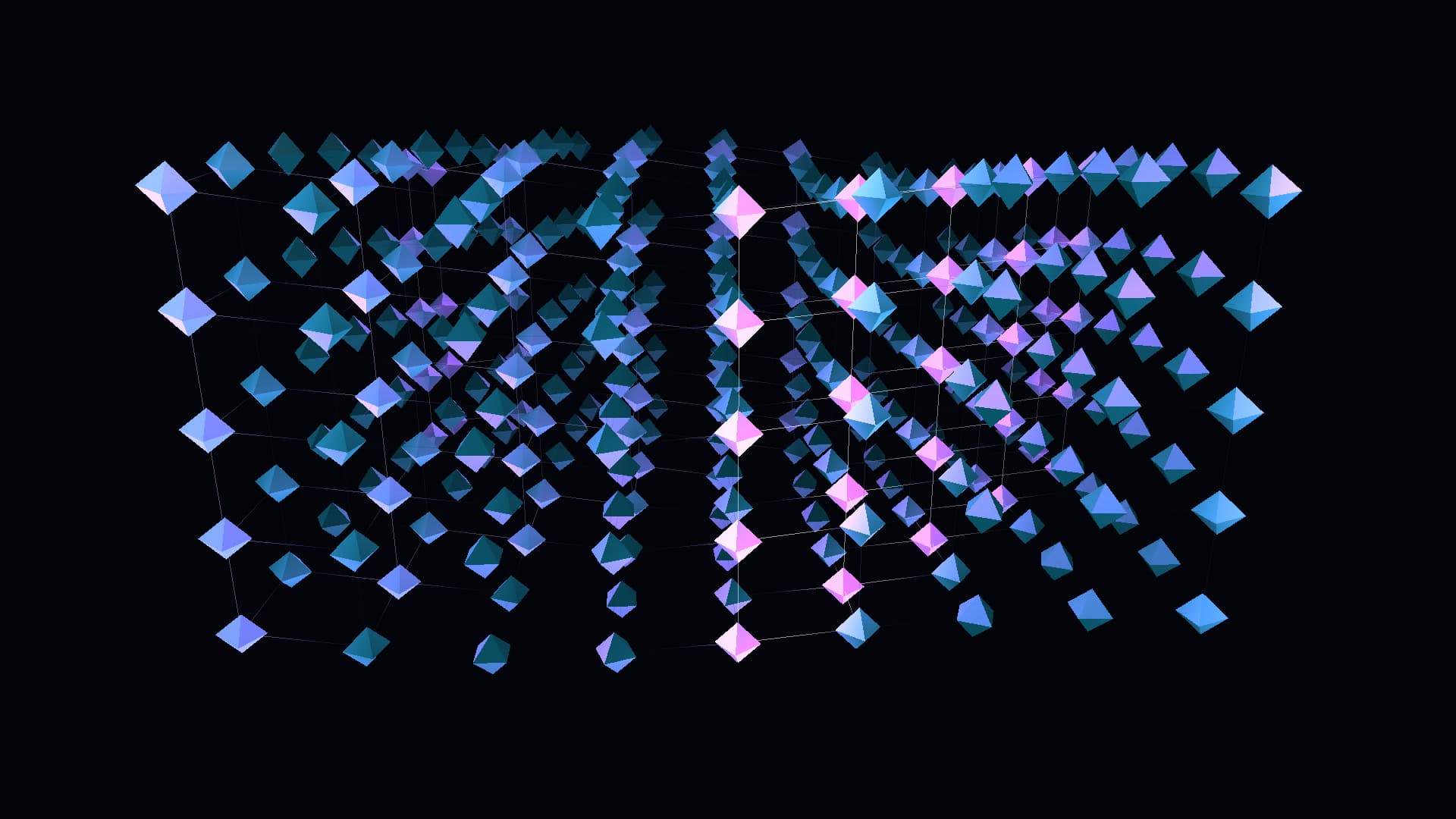
A coherent kinetic wave matrix of faceted quantum octahedra and synchronized flux conduits. Features traveling wavepacket tensor fields, customizable conduit lumens, harmonic lattice dynamics, and responsive neon energy palettes.
Run this as a live wallpaper with Novaframe
Novaframe is the free desktop engine behind these wallpapers — real-time shaders rendered on your GPU, not video loops. Download it once, then apply anything from the catalogue in one click.
Frequently asked questions
Related articles
macOS Sequoia Wallpaper Keeps Resetting to Default? Here Is the Permanent Fix
Fix the persistent macOS Sequoia bug where custom desktop wallpapers revert to default after reboot, sleep, or external monitor disconnect.
4 min readDual Monitor Live Wallpapers on Mac: Performance, Clamshell & Setup Guide
Everything you need to know about running live, animated wallpapers on Mac multi-monitor setups, external 4K displays, and clamshell mode.
4 min readDoes Rainmeter Work on Mac? Best macOS Alternatives in 2026
Rainmeter does not run on macOS. Explore the top native Mac alternatives for desktop customization, widgets, system stats, and GPU-accelerated live wallpapers.
5 min read