The Best Live Space Wallpapers for Mac in 2026
Six GPU-rendered space wallpapers for Mac — black holes, aurora, Saturn, galaxies, and deep space. All real-time, no video loops, optimized for M1/M2/M3.
Space has always been the default wallpaper category for a reason. It's an environment that's genuinely dramatic, endlessly deep, and — critically — mostly dark, which makes it work well behind desktop icons and app windows.
The problem with most space wallpapers is that they're static JPEG exports of telescope imagery. Beautiful for a day, invisible after a week. These six are different: they're GPU-rendered in real time, which means the motion never loops, the resolution scales to any display, and there are no compression artifacts even on a 6K Pro Display XDR.
Here's what's worth your time in 2026.
1. Black Hole
Black Hole is the wallpaper I'd start with if you want something that's both scientifically grounded and genuinely striking on screen. It simulates relativistic gravitational lensing around a central event horizon — light from behind the black hole is bent into a fiery accretion disc that rotates continuously on your desktop.
What makes it technically interesting is that the lensing math runs on the GPU per frame rather than being baked into a video. That means the disc rotation is fluid at any frame rate, and the near-pure-black center keeps your main workspace uncluttered. It works especially well on OLED and Mini-LED panels where true black saves panel power.
- Best for: Ultrawide setups, OLED displays, astronomy enthusiasts, anyone who's seen Interstellar more than twice.
Read more in the Black Hole deep dive.
2. Saturn Rings
Saturn Rings does something most space wallpapers don't: it gives you accurate ring geometry and ring-cast shadows without the scene becoming visually noisy. As the planet rotates slowly, the rings project sharp geometric shadows across the cream and slate-coloured cloud bands below.
The composition is deliberate — Saturn sits in the lower portion of the frame, leaving the top two-thirds of the screen clear for app windows and folders. Dark backgrounds and a single bright subject are the correct formula for a wallpaper that you actually work in front of rather than just admire.
- Best for: Minimalist setups, productivity desktops, fans of planetary science.
3. Aurora Borealis
Aurora Borealis is the wallpaper I'd recommend to anyone who wants motion that feels atmospheric rather than sci-fi. Layered curtains of green and violet light drift horizontally across a deep navy sky, shifting their shape and transparency with every frame.
The technical approach uses layered noise fields evaluated on the GPU rather than a filmed aurora clip — so it avoids the telltale video compression banding you see in lower-quality alternatives. Colors, speed, and intensity are all tunable parameters, so you can push it from a quiet northern-lights shimmer to a full solar storm if that's the mood you're after.
- Best for: Calm work sessions, coders on night shifts, setups that want nature without daylight colors.
4. Earth Orbit
Earth Orbit renders the planet from low orbit — a slowly rotating blue-and-white sphere against hard vacuum, with the terminator line (the day/night boundary) sweeping across continents in real time.
What's special here is the atmospheric limb scattering: the thin orange glow along Earth's edge is computed each frame based on the sun angle rather than painted as a texture. It's a small detail that reads as presence rather than correctness — viewers usually can't name why it looks real, they just know it does. Good choice for anyone in tech who spends time thinking about infrastructure, satellites, or global systems.
- Best for: Founders, engineers, people who work across time zones.
5. Galaxy Spiral
Galaxy Spiral is a particle simulation: hundreds of thousands of star-mass points following spiral-arm physics across a black field. Because every star position is computed live, the scene never quite repeats — the arm structure stays stable while individual star clusters drift and disperse across long time scales.
If you've ever run a particle system or worked with n-body simulation, watching this on your desktop is satisfying in a specific, geeky way. For everyone else, it's simply an enormous, slow, beautiful thing to have behind your Finder windows.
- Best for: Long work days that need ambient motion without distraction, large 4K and 5K displays.
6. Deep Space
Deep Space strips the concept down: a dense star field with subtle parallax, occasional nebula wisps forming and dissolving in the midground, and absolute blackness everywhere else.
It's the quietest option in this list and deliberately so. Deep Space is for setups where you want to acknowledge that the wallpaper exists — it moves, it's not a static JPEG — but you don't want it competing with whatever you're building or reading. The motion is slow enough that you won't notice it consciously, but your visual system knows the screen is alive.
- Best for: Heavy text work, writers, developers who find most wallpapers distracting.
How They Perform
All six wallpapers run inside Novaframe Engine, which renders on your GPU at a capped 30 FPS by default and pauses the moment a full-screen window covers the desktop. On an M2 MacBook Air the GPU load during rendering is typically in the 2–6% range depending on the scene.
You can browse the full space collection and the rest of the catalogue in the Novaframe Marketplace. More space-themed picks are listed in the space and astronomy live wallpapers roundup.
Stellar Nurseries
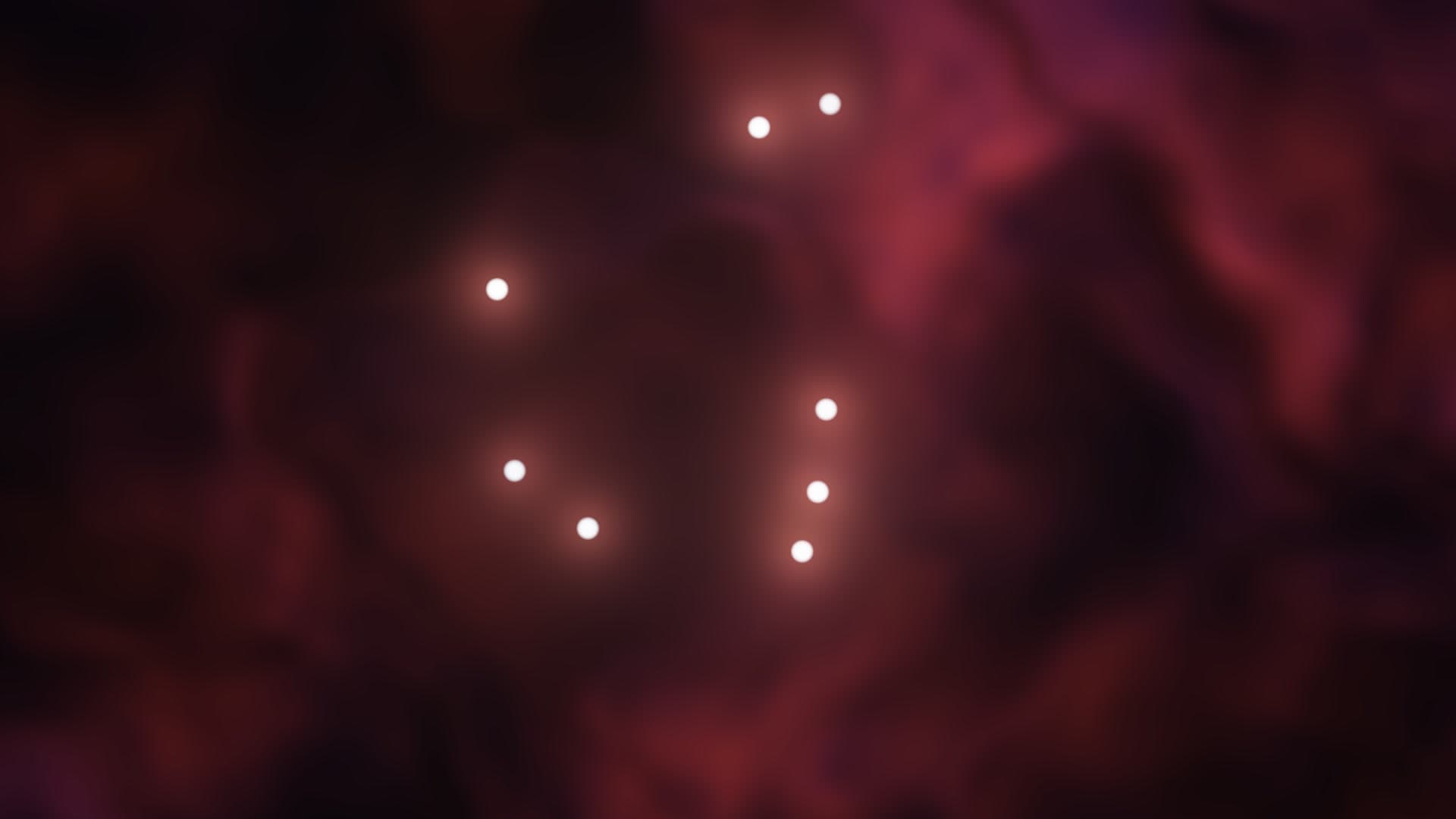
Dynamic interstellar gas cloud with real-time star-forming emission glow, dark dust lanes, and adjustable convection physics.
Run this as a live wallpaper with Novaframe
Novaframe is the free desktop engine behind these wallpapers — real-time shaders rendered on your GPU, not video loops. Download it once, then apply anything from the catalogue in one click.
Frequently asked questions
Related articles
Dual Monitor Live Wallpapers on Mac: Performance, Clamshell & Setup Guide
Everything you need to know about running live, animated wallpapers on Mac multi-monitor setups, external 4K displays, and clamshell mode.
4 min readDoes Rainmeter Work on Mac? Best macOS Alternatives in 2026
Rainmeter does not run on macOS. Explore the top native Mac alternatives for desktop customization, widgets, system stats, and GPU-accelerated live wallpapers.
5 min readDo Live Wallpapers Drain MacBook Battery? Apple Silicon Benchmarks (M1–M4)
Can you run live wallpapers on a MacBook without destroying your battery? Real benchmarks comparing Video Loops, Dynamic Desktop, and Procedural Shaders on Apple Silicon.
4 min read