Black Hole Wallpaper: How We Simulated Gravitational Lensing in the Browser
A technical breakdown of how the Black Hole wallpaper renders light-bending gravitational lensing in real time, and where the simulation cuts corners.
Real gravitational lensing — the actual physics of light bending around a black hole — is a general relativity problem involving geodesics in curved spacetime. Solving that properly, per pixel, per frame, in real time on consumer hardware isn't happening. So this is the story of the shortcut behind our Singularity wallpaper in the space wallpapers collection, and why it holds up.
The shortcut
Instead of solving light paths through curved spacetime, the shader distorts screen-space UV coordinates radially around the event horizon, with the distortion falling off by roughly the inverse square of distance from center. It's a fragment shader doing a coordinate transform, not a physics engine doing ray tracing. Anywhere the background — the starfield layer behind the disk — gets sampled, it's sampled through that warped coordinate instead of the straight one.
That's the entire trick. It's cheap: one extra texture sample per pixel with a distorted UV, versus the actual physics which would need path integration per ray. On an M-series GPU this is well under a millisecond a frame.
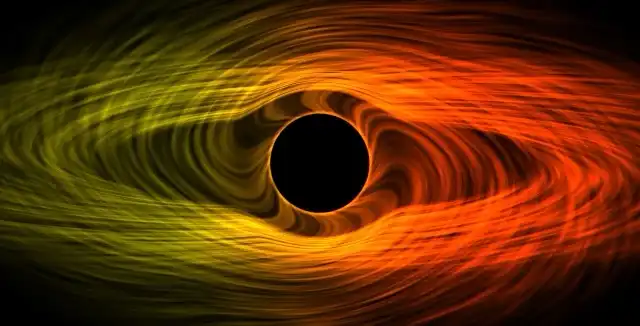
The lensing warps the starfield behind the disk in real time. See Singularity in the marketplace →
Where it's honest, and where it isn't
What it gets right: the visual signature people recognize — the Einstein ring, the way stars behind the disk smear into arcs as they approach the horizon, the accretion disk appearing to wrap both above and below the hole simultaneously. That's real lensing behavior, and the radial-falloff shortcut reproduces it convincingly because human perception isn't checking the math, it's checking "does this look like the thing I've seen in photos of M87."
What it fakes: actual photon paths, gravitational redshift of light frequency, and the asymmetry a spinning black hole (frame dragging) would produce. The lensing is symmetric around the center; a real rotating black hole's isn't. I left this out — modeling rotation correctly would roughly double the shader complexity for a difference almost nobody would consciously register on a desktop wallpaper.
The accretion disk
Separately animated from the lensing distortion — a layered noise texture scrolling at different rates per layer, colour-graded from white-hot near the center to deep orange/red further out, which is a rough but recognizable stand-in for actual disk temperature gradients (real accretion disks are white-hot from Doppler beaming on the approaching side, which I also don't simulate — that's a genuinely asymmetric effect and a step further than felt worth it for a wallpaper).
Why cut it here and not elsewhere
Compare this to Ignis: Solar Wind, where the surface simulation is closer to physically accurate because the compute budget allowed it. Black Hole's constraint was different — the visual payoff of "correct" lensing math over "convincing" lensing math is small, and the CPU/GPU cost difference is large. Different scene, different place to spend the budget.
If you want the deeper architectural reasoning behind why this runs on a GPU shader instead of, say, a video loop at all: why we built Novaframe on OffscreenCanvas instead of video loops.
See it running in the catalogue.
Singularity
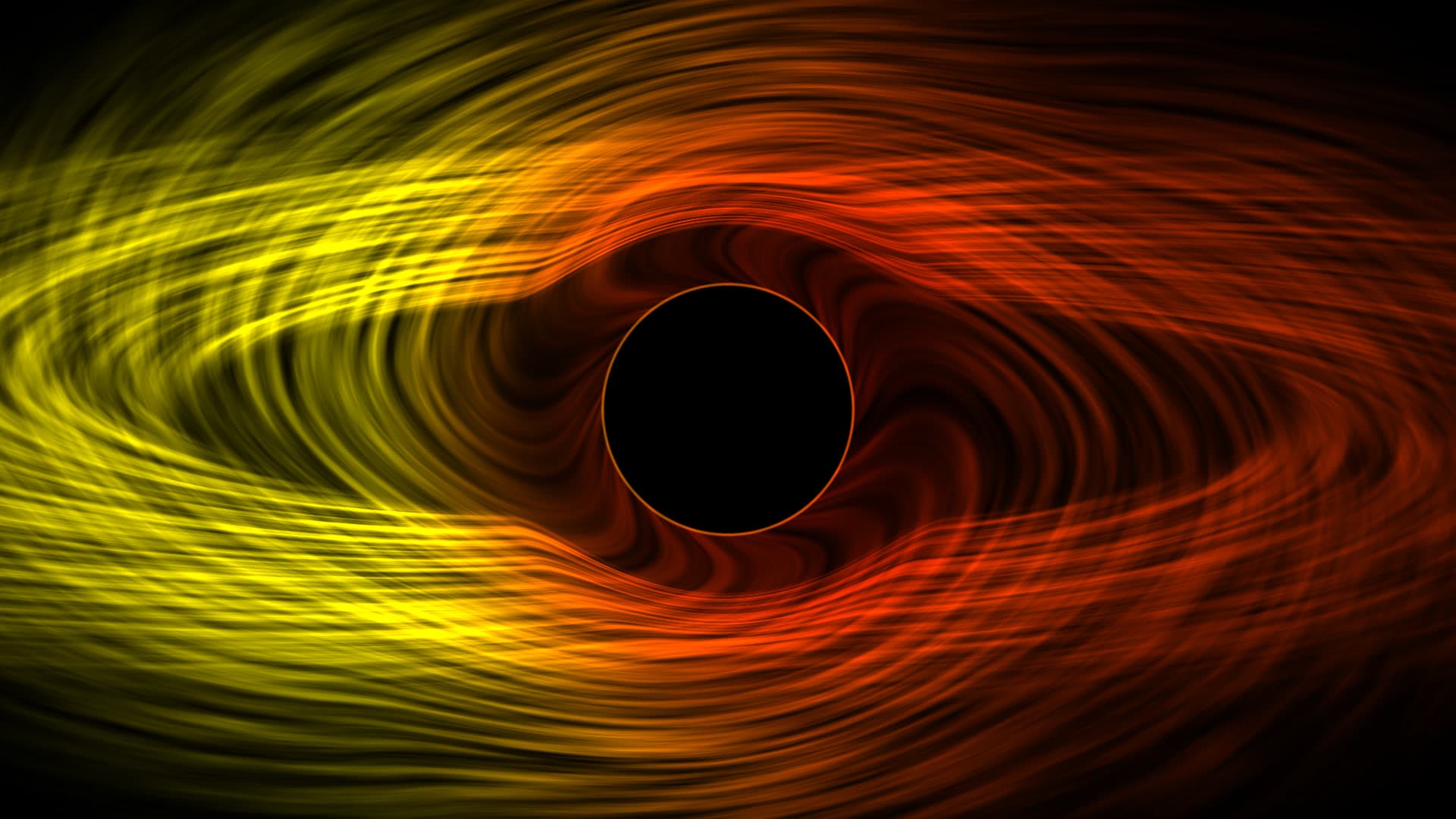
Real-time simulation of an extreme Kerr black hole accretion disk. Fibrous plasma filaments spiral inward along relativistic geodesic curves, accented by gravitational redshift and Doppler beaming along the approaching disk boundary. Designed specifically for high-contrast OLED and dark-mode desktop setups. Renders via GPU hardware compute shaders at 60 FPS while remaining light on system memory, automatically entering zero-power pause states whenever active work windows conceal the wallpaper plane.
Run this as a live wallpaper with Novaframe
Novaframe is the free desktop engine behind these wallpapers — real-time shaders rendered on your GPU, not video loops. Download it once, then apply anything from the catalogue in one click.
Frequently asked questions
Related articles
Voronoi Drift: How Computational Geometry Becomes a Living Wallpaper
A Voronoi diagram answers one question: which point are you closest to? Ask it a few thousand times per second with moving seeds and you get something that looks alive.
4 min readPhysarum Slime Mold: The Living Network Growing on Your Desktop
Slime mold is one of the most fascinating organisms alive. It has no brain, no neurons, no plan — and it still finds the shortest path. Here's how I put that on your desktop.
4 min readSilk Aurora: What It Takes to Make Light Feel Like Liquid on a Desktop
Silk Aurora's ribbons of teal and violet never tear, never z-fight, and never repeat. Here's how a single 2D fragment pass pulls that off.
4 min read