Why We Built Novaframe on OffscreenCanvas Instead of Video Loops
The technical reasoning behind rendering wallpapers via OffscreenCanvas and a Web Worker instead of playing back looping video files.
The obvious way to build a live wallpaper app is: record or render a clip, loop an mp4. Fast to build, huge content variety, works everywhere. We didn't do that, and this is the actual reasoning, not the marketing version.
The problem with video loops
A video file is decoded frame by frame regardless of what's in the frame. A mostly-static scene with one small moving element costs the same to decode as a scene that's changing everywhere, because the decoder doesn't know or care — it's just unpacking compressed frames on schedule. That's the ceiling video loops can't get under: minimum cost is roughly fixed by resolution and frame rate, not by how much is actually happening on screen.
The other problem is size. A few minutes of decent-resolution looping footage is tens to hundreds of megabytes. Render a scene procedurally instead and the "content" is a shader and some parameters — kilobytes, not megabytes — with effectively infinite duration since it's not a loop that repeats, it's a simulation that keeps running.
Why OffscreenCanvas specifically
Canvas rendering normally has to happen on the main thread, which is also where your UI logic runs. For a desktop wallpaper app that's a bad trade — you don't want wallpaper rendering to ever compete with the app's own responsiveness, or worse, block on it.
OffscreenCanvas lets you transfer control of a canvas to a Web Worker — a separate thread — and render there instead. The wallpaper's render loop runs completely isolated from the main thread. If the main thread is busy or the worker hits a snag, they don't stall each other. That isolation is also what lets a scene keep animating smoothly even while other parts of the app are doing something heavier.
Where a mostly-static scene actually costs less
This is the real payoff. A shader rendering a clock face and a slowly moving second hand costs almost nothing per frame — mostly static pixels re-drawn identically, one small region actually changing. A video loop of the same clock, however, decodes the full frame at full cost every time, whether 2% of it changed or 90% of it did. That gap is the entire reason Flip Clock benchmarks at 0.6% CPU rather than something video-loop apps would cost for equivalent content.
What it costs us
Smaller content library. Every scene has to actually be built and rendered by us — we can't just find and drop in a beautiful video someone else already made. That's a real constraint, and it's the direct tradeoff for the lower running cost. Compare the alternatives honestly here if you want the full picture rather than just our side of it.
See the results in the catalogue.
Ink Flow
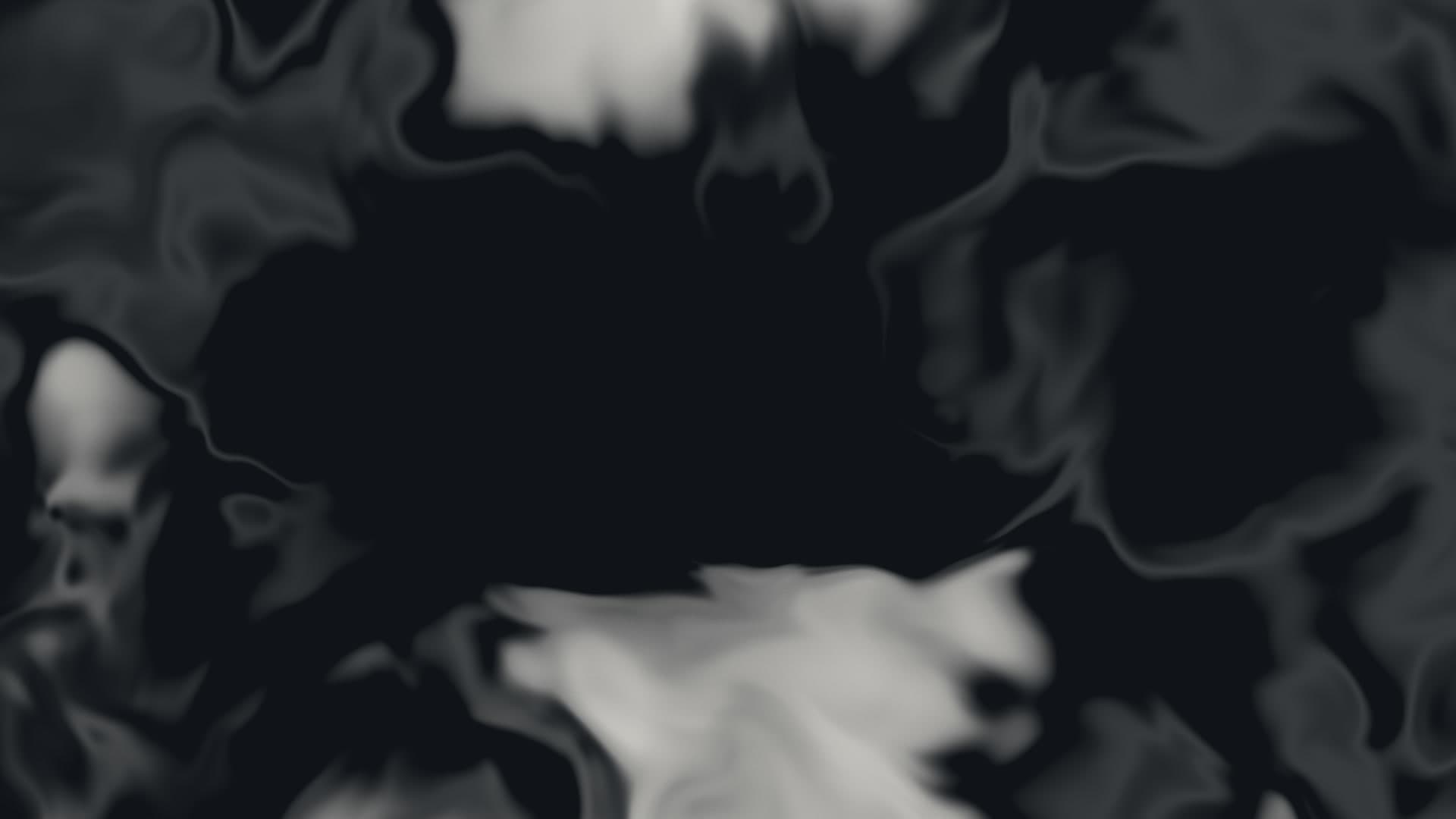
Artistic fluid simulation of ink diffusing through water. Organic, unpredictable motion creates a living artwork on your screen. Customize ink and water colors for your preferred aesthetic.
Run this as a live wallpaper with Novaframe
Novaframe is the free desktop engine behind these wallpapers — real-time shaders rendered on your GPU, not video loops. Download it once, then apply anything from the catalogue in one click.
Frequently asked questions
Related articles
Voronoi Drift: How Computational Geometry Becomes a Living Wallpaper
A Voronoi diagram answers one question: which point are you closest to? Ask it a few thousand times per second with moving seeds and you get something that looks alive.
4 min readPhysarum Slime Mold: The Living Network Growing on Your Desktop
Slime mold is one of the most fascinating organisms alive. It has no brain, no neurons, no plan — and it still finds the shortest path. Here's how I put that on your desktop.
4 min readSilk Aurora: What It Takes to Make Light Feel Like Liquid on a Desktop
Silk Aurora's ribbons of teal and violet never tear, never z-fight, and never repeat. Here's how a single 2D fragment pass pulls that off.
4 min read