Space & Astronomy Live Wallpapers: Real-Time vs Video Loops
Why space-themed live wallpapers look infinitely better when rendered live instead of played from a video file. Featuring black holes, galaxies, and planetary orbits.
Space is the most popular category for live wallpapers by a mile. There is something uniquely satisfying about sitting down at your desk and seeing a galaxy turning slowly or Earth rotating in real time behind your terminal windows.
However, if you've ever downloaded a space wallpaper off video wallpaper apps, you've probably noticed two annoying flaws:
- The seam: Every 10 to 30 seconds, the video stutters as it jumps back to frame 1.
- Compression banding: Deep space black gradients turn into ugly pixelated grey boxes on high-resolution 4K or Retina displays.
When I built the space collection for Novaframe, I banned video files entirely. Every scene is calculated procedurally using mathematical shaders running directly on your Mac or PC's graphics card.
Here is why that matters, and four space wallpapers built with this architecture.
1. Black Hole: Gravitational Lensing
Black Hole uses a ray-marching algorithm to simulate how extreme gravity bends light rays around a singular mass.
Instead of a pre-rendered MP4 video, the glowing accretion disc swirls continuously based on real-time noise algorithms. Stars behind the event horizon warp smoothly as you move across the screen. Because the math executes per pixel on your GPU, the black core remains crisp at native 4K resolution.
2. Galaxy Spiral: Infinite Rotation
A spiral galaxy contains billions of stars moving at different orbital velocities. In a video loop, compressing millions of tiny star points creates visual noise and fuzzy compression blocks.
In Galaxy Spiral, every dust cloud and stellar cluster is drawn dynamically. The galaxy rotates infinitely without ever looping. You can leave it running for 8 hours straight and it will never repeat a single frame sequence.
3. Earth from Orbit: Real-Time Planetary Rotation
Earth from Orbit renders the home planet against deep space, complete with atmospheric Rayleigh scattering and shifting cloud layers.
The slow rotation is calculated at high precision, making it ideal for multi-monitor setups where you want a calm, realistic view of Earth without choppy frame drops.
4. Saturn Rings: Shadow Dynamics
Saturn Rings models Saturn's ring system and its shadow casting across the planet's atmospheric belts.
Because it is rendered natively, the subtle shadows of individual ring bands remain razor-sharp on 5K Studio Displays and 4K gaming monitors alike.
Why Shader Math Beats Video Files
Video loops take 100MB to 500MB of storage space and keep your CPU busy decoding video frames continuously. Shader-based live wallpapers use under 10MB of storage and execute graphics pipeline math in milliseconds.
If you want to try space wallpapers that don't heat up your laptop or stutter on loop points, check out the space collection on the Novaframe Marketplace.
Cosmic Web & Dark Matter
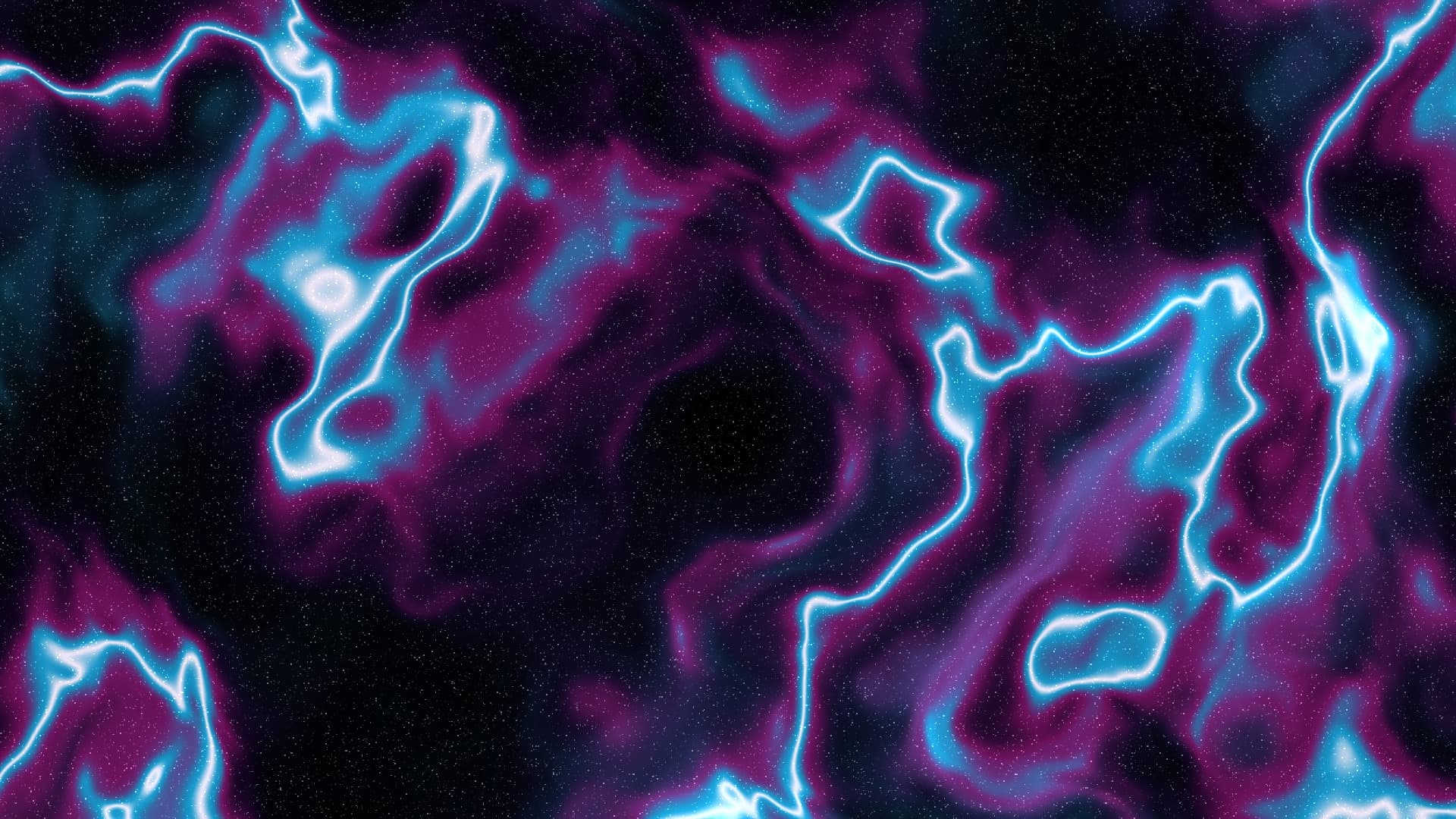
Vast cosmological scaffolding rendered through 4-octave domain-warping and non-linear ridge synthesis. Intertwining filament walls channel cosmic gas between brilliant supercluster nodes, drifting gracefully with smooth temporal parallax across the quiet expanse of deep space.
Run this as a live wallpaper with Novaframe
Novaframe is the free desktop engine behind these wallpapers — real-time shaders rendered on your GPU, not video loops. Download it once, then apply anything from the catalogue in one click.
Frequently asked questions
Related articles
macOS Sequoia Wallpaper Keeps Resetting to Default? Here Is the Permanent Fix
Fix the persistent macOS Sequoia bug where custom desktop wallpapers revert to default after reboot, sleep, or external monitor disconnect.
4 min readDual Monitor Live Wallpapers on Mac: Performance, Clamshell & Setup Guide
Everything you need to know about running live, animated wallpapers on Mac multi-monitor setups, external 4K displays, and clamshell mode.
4 min readDoes Rainmeter Work on Mac? Best macOS Alternatives in 2026
Rainmeter does not run on macOS. Explore the top native Mac alternatives for desktop customization, widgets, system stats, and GPU-accelerated live wallpapers.
5 min read