The Best Dark Mode Live Wallpapers for Mac & Windows (2026)
A curated guide to low-contrast, OLED-friendly live wallpapers for Mac and Windows. Designed to add movement without blinding you or hiding your desktop icons.
If you run a dark mode setup on your Mac or PC, you already know the problem with most wallpapers: they are either blindingly bright or aggressively noisy. You switch your apps to dark mode to save your eyes, and then your background flashes a giant white gradient every time you hide a window.
When I started building Novaframe, dark mode setups were my benchmark. A good dark mode wallpaper needs three things: true blacks, low-contrast focal points that don't obscure white desktop icons, and subtle motion that feels ambient rather than distracting.
Here are five real-time rendered dark mode wallpapers built specifically for high-end workspace setups.
1. Silk Aurora
If you want motion that feels like liquid glass moving across a dark screen, Silk Aurora is the flagship.
It renders flowing ribbons of teal and violet light drifting across a deep charcoal background. The color intensity is tuned so text labels on desktop icons remain crisp and high-contrast anywhere on screen. Because it's rendered with custom GPU shaders rather than a video loop, there are no seams, compression artifacts, or video restarts.
- Best for: Clean workspace setups, dual monitors, night coding.
- Style: Fluid abstract gradient.
2. Black Hole
Space wallpapers are a dark mode staple, but most static images are either too low resolution for 4K displays or covered in distracting lens flare.
Black Hole simulates relativistic gravitational lensing around a central event horizon. Light from behind the black hole is bent into a fiery accretion disc that rotates smoothly in real time. The center of the screen stays near-pure black, keeping your main workspace clean.
- Best for: Ultrawide monitors, astronomy setups, OLED screens.
- Style: Physics simulation & deep space.
3. Circuit Pulse
For developers and hardware engineers who prefer geometric dark mode aesthetics, Circuit Pulse traces signal paths across a dark circuit board.
Light pulses travel along PCB trace lines at variable speeds, lighting up junction nodes before fading back into total darkness. The background is matte black, making it one of the lowest-resource wallpapers in the collection.
- Best for: Terminal heavy workflows, developer setups.
- Style: Tech & cybernetic geometric.
4. Saturn Rings
Saturn Rings places the ringed planet on a pitch-black background.
As Saturn rotates, its rings cast sharp geometric shadows across the cream and slate cloud tops. The composition leaves the top two-thirds of the screen dark for app windows and desktop folders, concentrating the visual weight along the planet's curve.
- Best for: Minimalist space setups.
- Style: Photorealistic planetary rendering.
5. Aura Blob
Aura Blob is designed for modern glassmorphism aesthetics. A glossy 3D fluid blob deforms smoothly over a rich electric blue to magenta gradient.
While brighter than the pure black options above, its soft ambient light reflections make it a popular choice for matching dark-mode glass UI elements in macOS.
- Best for: Modern macOS desktop setups.
- Style: 3D fluid dynamics.
How They Perform on Dark Desktops
All five wallpapers run inside the Novaframe Engine, which defaults to 30 FPS to keep GPU load near zero during normal work. The moment an app window covers the desktop, rendering pauses completely—meaning zero battery drain while you're in the middle of deep work.
You can browse the full collection in the Novaframe Marketplace.
Cyber Void Rings
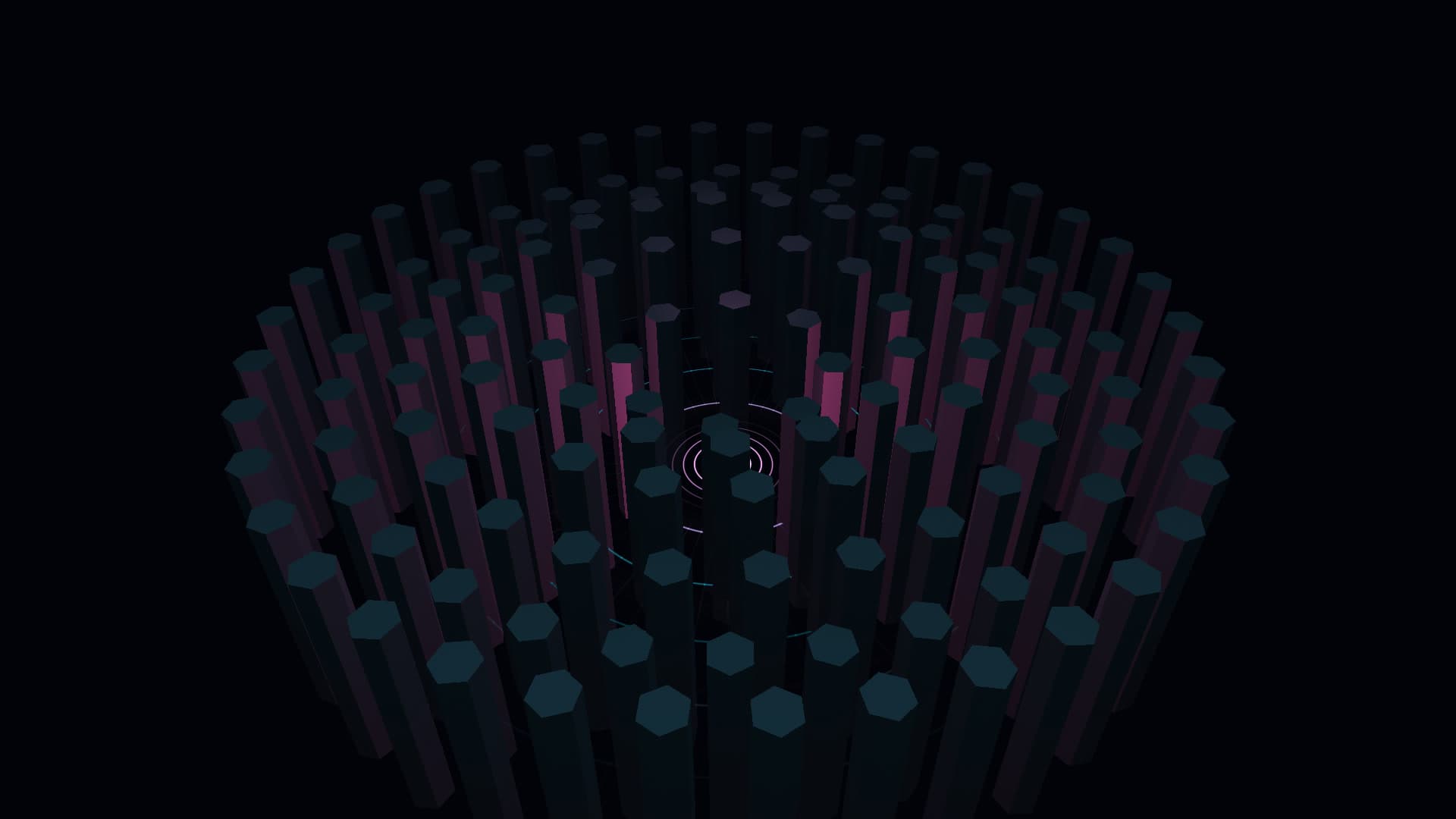
A monumental open-center concentric monolith amphitheatre descending into a boundless cyber abyss. Features 138 independently oscillating ring columns across counter-rotating orbital rings with crest pulses and depth radiance.
Run this as a live wallpaper with Novaframe
Novaframe is the free desktop engine behind these wallpapers — real-time shaders rendered on your GPU, not video loops. Download it once, then apply anything from the catalogue in one click.
Frequently asked questions
Related articles
macOS Sequoia Wallpaper Keeps Resetting to Default? Here Is the Permanent Fix
Fix the persistent macOS Sequoia bug where custom desktop wallpapers revert to default after reboot, sleep, or external monitor disconnect.
4 min readDual Monitor Live Wallpapers on Mac: Performance, Clamshell & Setup Guide
Everything you need to know about running live, animated wallpapers on Mac multi-monitor setups, external 4K displays, and clamshell mode.
4 min readDoes Rainmeter Work on Mac? Best macOS Alternatives in 2026
Rainmeter does not run on macOS. Explore the top native Mac alternatives for desktop customization, widgets, system stats, and GPU-accelerated live wallpapers.
5 min read