The Best Minimalist Clock Wallpapers for Mac
A roundup of minimalist clock wallpapers for Mac — live desktop clocks from flip-clock to Roman numeral to world time, each rendered cleanly and running light on your GPU.
A clock wallpaper is the rare kind that's useful as well as nice to look at. Once you've got the time sitting quietly on your desktop you stop reaching for the menu bar, and a well-made one doubles as a genuinely minimal background. I've ended up building a small family of them, so here's the tour — sorted roughly from most understated to most characterful.
All of these render live and lean; a clock only needs to update once a second, so they're among the lightest things in the collection.
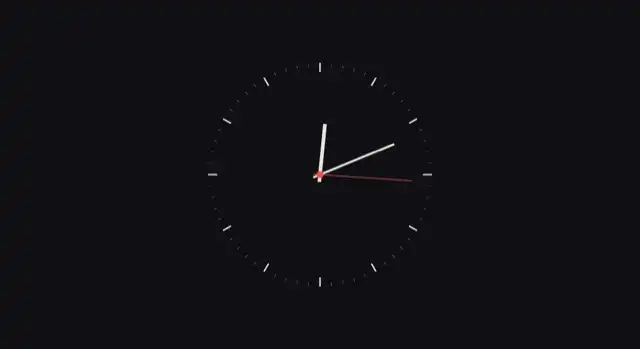
Minimal Clock — the default
Exactly what it says: clean digits, generous space, nothing else. This is the one I recommend to people who want the time on their desktop and truly nothing more. It disappears into the background until you need it, which is the whole point.
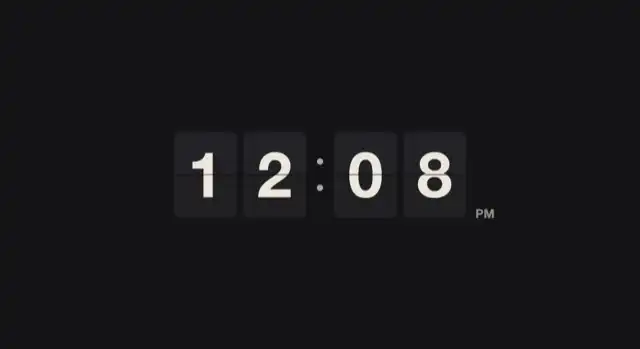
Flip Clock — a bit of nostalgia
The split-flap board from old train stations and bedside radios. Each minute the card flips over with that satisfying mechanical turn. It's minimal in palette but has more personality than the plain digits — good if you want a little warmth without clutter.
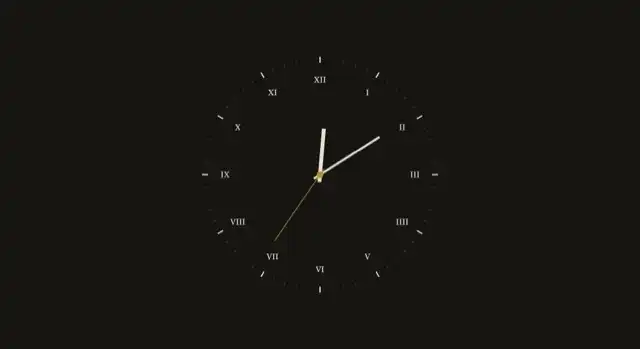
Roman Numeral Clock — quietly formal
An analogue face with Roman numerals. It reads as more considered, more classic — the one to pick if your desktop leans elegant rather than technical. Looks particularly good against a darker desk setup.
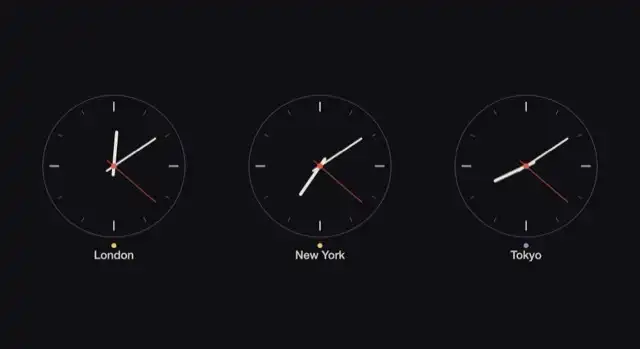
World Clock Trio — for people working across time zones
Three clocks side by side, so you can keep home, office, and wherever-your-team-is all in view at once. If you've ever done the mental arithmetic to work out whether it's a reasonable hour to message someone, this earns its place fast.
Mercator Chronos — time as a map
A world map with time woven into it — the most visual of the set, and the one that's as much a piece of art as a clock. Pick this if you want the "useful" and the "striking" boxes ticked together.
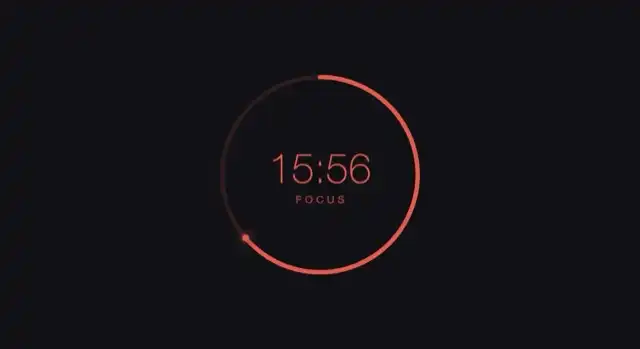
Pomodoro Ring — a clock that's really a timer
Not a wall clock but worth including here: a single ring that drains as your focus session counts down. If you work in pomodoros, having the timer be your wallpaper is oddly effective — it's always in view and never buried under a window.
Why a clock makes a good wallpaper
Beyond the obvious usefulness, a clock is close to the ideal live wallpaper technically: it only needs to change once a second, so it costs almost nothing to run. Everything above renders on your GPU and pauses when covered, the same as the rest of the collection — more on why that keeps your Mac cool if you're curious.
See all of them, clocks and otherwise, in the full collection.
Minimal Clock
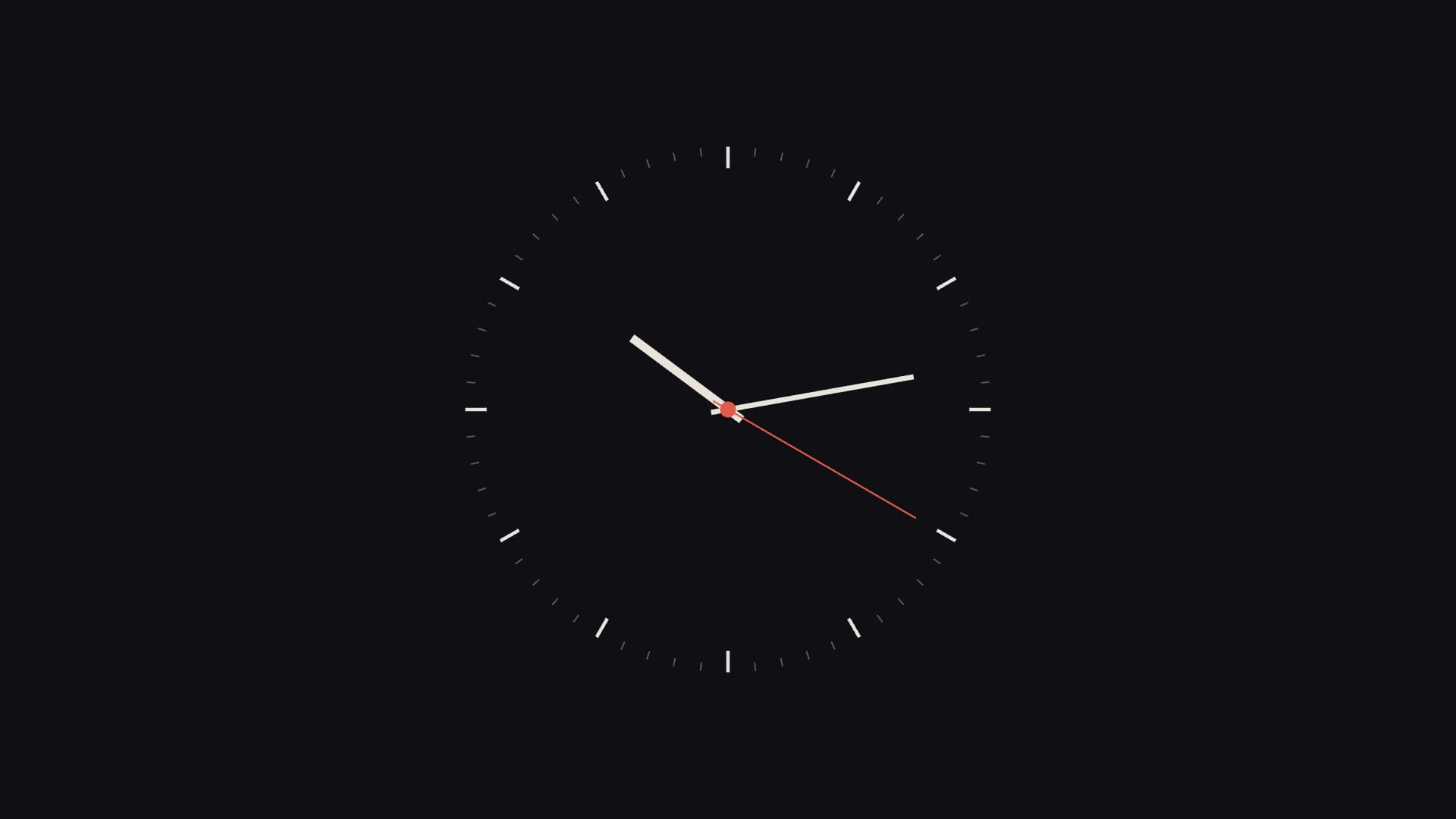
Peak modern minimalism. An ultra-clean analog design removes visual clutter and focuses purely on time. It perfectly complements dark mode setups. Adjust the background, face hue, and striking accent hand. The ultimate uncluttered dashboard.
Run this as a live wallpaper with Novaframe
Novaframe is the free desktop engine behind these wallpapers — real-time shaders rendered on your GPU, not video loops. Download it once, then apply anything from the catalogue in one click.
Frequently asked questions
Related articles
macOS Sequoia Wallpaper Keeps Resetting to Default? Here Is the Permanent Fix
Fix the persistent macOS Sequoia bug where custom desktop wallpapers revert to default after reboot, sleep, or external monitor disconnect.
4 min readDual Monitor Live Wallpapers on Mac: Performance, Clamshell & Setup Guide
Everything you need to know about running live, animated wallpapers on Mac multi-monitor setups, external 4K displays, and clamshell mode.
4 min readDoes Rainmeter Work on Mac? Best macOS Alternatives in 2026
Rainmeter does not run on macOS. Explore the top native Mac alternatives for desktop customization, widgets, system stats, and GPU-accelerated live wallpapers.
5 min read