The Interactive Mac Wallpapers I Reach For Most
A maker's shortlist of the best interactive wallpapers for Mac — GPU-rendered live backgrounds that stay smooth and quiet, with honest notes on when each one works.
I make these wallpapers, so take this with the appropriate pinch of salt. But I also use them all day, and over time a few have earned permanent spots in my rotation while others I made and quietly never set again. This is the short list — the ones I reach for — with a real note on when each one fits.
Everything here is rendered live on your GPU rather than played from a video file, which is why they stay smooth without turning your Mac into a space heater. More on that at the end.
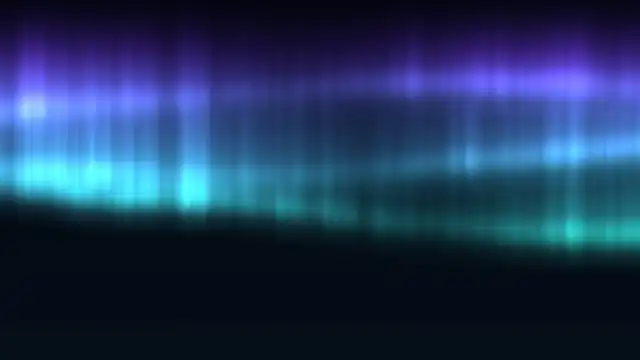
Aurora Borealis — for when I want the room dark
Slow ribbons of green and violet folding across a black sky. It's the one people notice first, and because the aurora is generated rather than filmed, it never loops. I keep this on in the evening with the lights low; it's too much for a bright desk in daylight, honestly, but at night it's hard to beat.
Silk Aurora — the same idea, dialled down
If Aurora Borealis is a bit theatrical for you, this is the calmer cousin: sheets of colour moving like silk in a draught. Softer, more abstract, easier to leave on while you work because it never grabs your attention. This is the one I default to for actual work days.
Perlin Flow Fields — for the design-brained
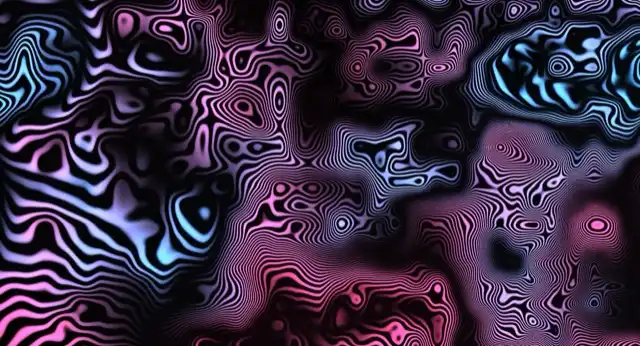
Thousands of particles tracing invisible currents across the screen. It's motion at the very edge of your attention — hypnotic if you glance at it, invisible if you don't. Most of the designers and developers I've shown it to end up keeping it. I wrote up how I got it running at near-zero CPU if you're curious what's under it.
Galaxy Spiral — for a big screen
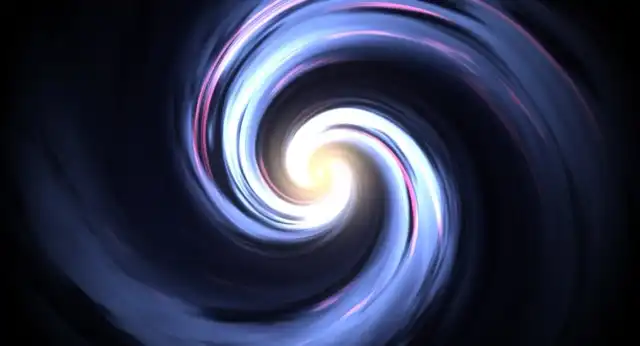
A slowly rotating spiral galaxy, thousands of individually placed stars. This one wants room — on a laptop it's nice, but on a 5K display it finally has the space to feel deep. If you've got the pixels, this is where they go.
Ignis: Solar Flares — for when you want a bit of drama
A real-time simulation of a star's surface, flares and all. It's the loudest thing I make, in a good way. I wrote a whole piece on how it works because it's the one I'm proudest of technically.
The reason they run well
None of these are videos. Each is drawn in real time by your Mac's GPU — the chip built for exactly this — while the CPU, the part that runs hot and drains the battery, stays mostly idle. The engine also caps the frame rate and pauses everything when a window covers the screen. If you want the full explanation, here's why that beats a video-loop wallpaper.
The rest of the collection is here if none of these are quite your thing.
Clockwork Gears

Interlocking brass gears mesh and turn in perfect ratio, each wheel pacing the next through a slow warm glow. The quiet interior of a machine that has nowhere to be.
Run this as a live wallpaper with Novaframe
Novaframe is the free desktop engine behind these wallpapers — real-time shaders rendered on your GPU, not video loops. Download it once, then apply anything from the catalogue in one click.
Frequently asked questions
Related articles
macOS Sequoia Wallpaper Keeps Resetting to Default? Here Is the Permanent Fix
Fix the persistent macOS Sequoia bug where custom desktop wallpapers revert to default after reboot, sleep, or external monitor disconnect.
4 min readDual Monitor Live Wallpapers on Mac: Performance, Clamshell & Setup Guide
Everything you need to know about running live, animated wallpapers on Mac multi-monitor setups, external 4K displays, and clamshell mode.
4 min readDoes Rainmeter Work on Mac? Best macOS Alternatives in 2026
Rainmeter does not run on macOS. Explore the top native Mac alternatives for desktop customization, widgets, system stats, and GPU-accelerated live wallpapers.
5 min read