The Best Generative Art Live Wallpapers for Mac in 2026
Five generative art wallpapers for Mac — Lorenz attractors, Voronoi drift, Boids flocking, flow fields, and Physarum simulation. All GPU-rendered, no video loops.
Generative art wallpapers are a specific taste. They appeal to people who know what a Lorenz attractor is, or who've spent an evening implementing a Boids simulation in a browser canvas, or who find themselves reading papers about reaction-diffusion systems at 11 PM. If that's you, this list was written for you.
If it isn't — if you just want something beautiful that you don't need to understand — these still hold up. Strange attractors are gorgeous whether or not you know the differential equations behind them. But it helps to know what you're looking at.
All five run inside Novaframe Engine on your GPU. None of them loop.
1. Lorenz Attractor
The Lorenz Attractor is a trajectory tracer for the classic chaotic system that Edward Lorenz described in 1963 while studying atmospheric convection. The attractor has two lobes — the famous butterfly shape — and the system draws a continuous particle path that spirals between them, never quite repeating the same orbit.
What makes it interesting as a wallpaper is that it demonstrates sensitivity to initial conditions in a way you can actually see. The path traces slowly at first, builds density across both lobes, and then the system reseeds — starting from a slightly different initial condition that leads to a visually distinct trajectory across the same butterfly shape.
- Best for: Mathematicians, physicists, anyone who's taught a unit on chaos theory and wants it on their wall.
More context on the implementation in Lorenz Attractor: Chaos Theory on Your Desktop.
2. Voronoi Drift
Voronoi Drift generates a Voronoi diagram from a set of moving seed points and recomputes the cell boundaries in real time as the seeds drift across the screen. Each cell is filled with a color derived from its seed's position in the palette gradient, so the whole surface shifts color as the geometry reorganizes.
Computationally this is interesting because recomputing a full Voronoi tessellation each frame on a large canvas is genuinely expensive. The wallpaper uses a GPU-based approach — rendering each cell's boundary via a parallel nearest-neighbor search in the fragment shader — rather than a CPU Fortune's algorithm implementation, which would be far too slow to run continuously.
- Best for: Computational geometry enthusiasts, designers who like structured noise, anyone who finds traditional wallpapers too static but generative ones too chaotic.
See the technical notes in Voronoi Drift: Computational Geometry on Your Desktop.
3. Boids Murmuration
Boids Murmuration implements Craig Reynolds' Boids algorithm — three rules (separation, alignment, cohesion) applied to thousands of agents simultaneously — producing emergent flocking behavior that looks like a starling murmuration over a dark background.
The flocking is computed on the GPU using a spatial hash grid, which makes it possible to run thousands of agents at interactive frame rates. No boid ever knows about the global structure; the murmuration shapes form from purely local decisions. That's the part that never stops being surprising to watch: there's no choreography, just three rules running in parallel.
- Best for: Anyone interested in emergence, complex systems, or multi-agent simulation. Also: just watching.
Deep dive: Boids Murmuration: Flocking Algorithm as Wallpaper.
4. Flow Fields
Flow Fields builds a vector field across the screen using layered Perlin noise, then seeds it with thousands of curl-following particles. Each particle traces a smooth curved path determined by its position in the field, which produces organic flowing lines that look like they're following invisible wind currents.
The reason this runs at near-zero CPU cost is that the vector field is precomputed once into a texture, and the particle stepping is a simple texture lookup — massively parallelizable on the GPU. Parameters control the noise frequency (coarser frequencies produce wider, lazier curves; finer frequencies produce tight spirals), particle lifetime, and color palette.
- Best for: Designers, anyone who's worked with Perlin noise, generative art fans who want something that looks handmade.
Technical notes: How I Made a Flow Field Run at Near-Zero CPU.
5. Physarum Slime Mold
Physarum Slime Mold simulates the foraging behavior of Physarum polycephalum — a single-celled organism that builds efficient transport networks by depositing and sensing chemoattractant trails. The simulation uses a two-stage GPU pipeline: an agent step where each particle moves toward the highest local concentration it can sense, and a diffusion step where the trail map blurs and decays.
The emergent patterns — branching filaments, enclosed loops, slowly pulsing nodes — are what the organism actually produces in the real world when it's finding food. It's one of the most visually distinctive wallpapers in the collection because nothing about it looks like conventional computer graphics. It looks biological, because the algorithm is biological.
- Best for: Biology-adjacent engineers, anyone who's read Jeff Jones' original Physarum paper, people who want something that looks nothing like a screensaver.
What They Have in Common
All five are algorithms that produce infinite non-repeating output from a small set of rules. None of them play back a file — there's no loop point, no compression, no fixed resolution. They render to whatever your display is, at whatever frame rate you cap them at.
Browse the full generative art collection in the Novaframe Marketplace.
Kaleidoscope
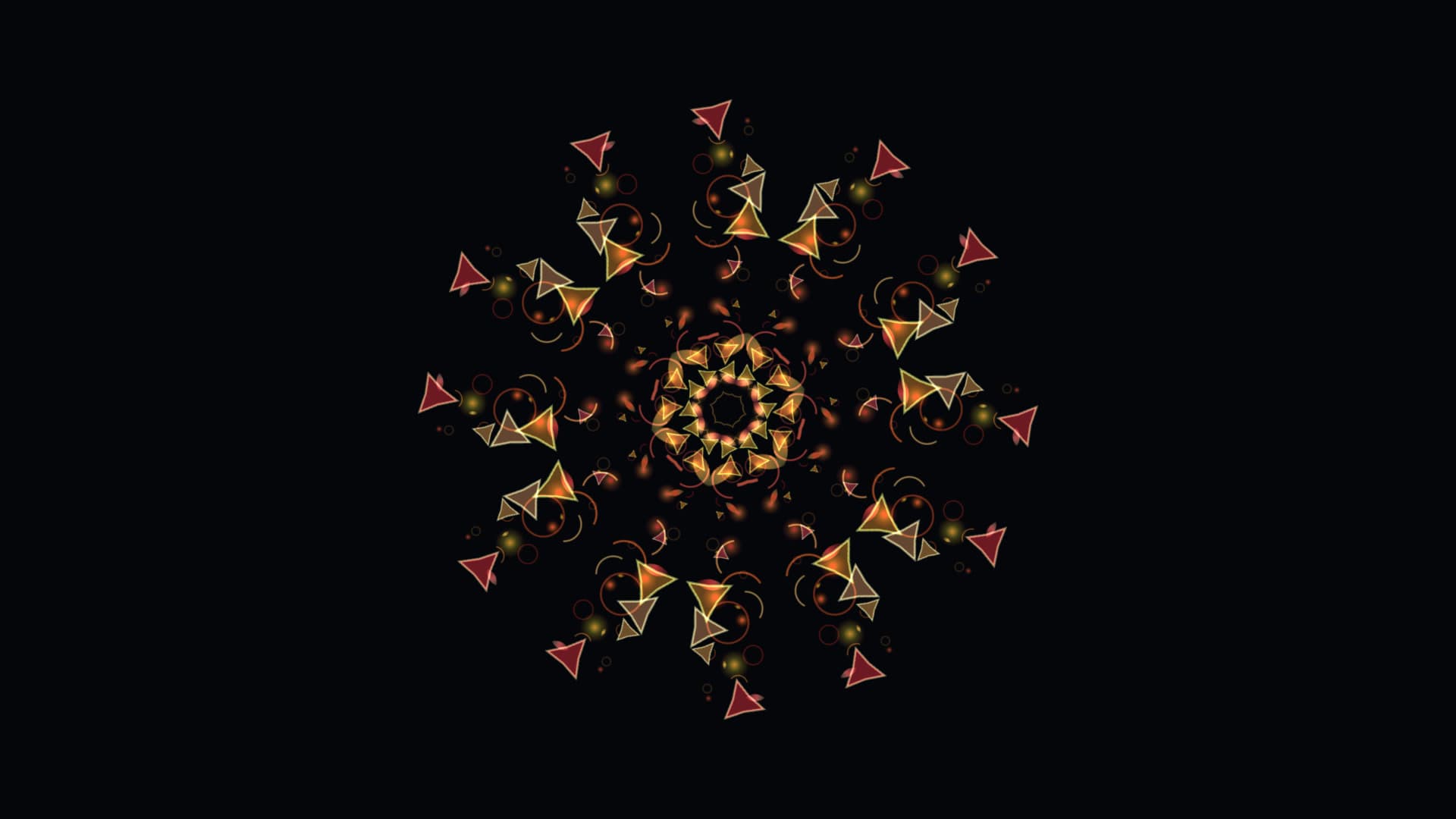
Mirrored segments fold colour back on itself, blooming into radial patterns that never quite resolve before turning into the next. A slow-rotating optic toy for the desktop.
Run this as a live wallpaper with Novaframe
Novaframe is the free desktop engine behind these wallpapers — real-time shaders rendered on your GPU, not video loops. Download it once, then apply anything from the catalogue in one click.
Frequently asked questions
Related articles
Dual Monitor Live Wallpapers on Mac: Performance, Clamshell & Setup Guide
Everything you need to know about running live, animated wallpapers on Mac multi-monitor setups, external 4K displays, and clamshell mode.
4 min readDoes Rainmeter Work on Mac? Best macOS Alternatives in 2026
Rainmeter does not run on macOS. Explore the top native Mac alternatives for desktop customization, widgets, system stats, and GPU-accelerated live wallpapers.
5 min readDo Live Wallpapers Drain MacBook Battery? Apple Silicon Benchmarks (M1–M4)
Can you run live wallpapers on a MacBook without destroying your battery? Real benchmarks comparing Video Loops, Dynamic Desktop, and Procedural Shaders on Apple Silicon.
4 min read