Aurora Borealis: How a Real-Time Northern Lights Wallpaper Works
How the Aurora Borealis wallpaper renders the northern lights live on your GPU using layered Perlin noise, sine-wave curtains, and chromatic shimmer — no footage.
I live in a city. The real aurora is something I've seen twice in my life, both times after driving several hours north and staring at a sky that, for about twenty minutes, did something I still can't fully describe. The curtains move. They breathe. The colour shifts in a way that feels almost deliberate.
I wanted to put that on a desktop. The catch is that no footage captures it — video flattens it, loops it, and eventually you see the seam. So I didn't use footage.
What you're actually looking at
The Aurora Borealis wallpaper (part of our nature wallpapers collection) is a fragment shader. No video, no recorded frames — just a small program running on your GPU that decides the colour of every pixel, many times a second, based on a few equations.
The curtains are built from sine waves stacked at different frequencies. Real auroral curtains are charged particles following magnetic field lines, and field lines have that characteristic hanging, folded quality. Sine waves at varying amplitudes and phases get surprisingly close to it. Run several layers at once and they interfere with each other in ways that start to look genuinely organic.
On top of that sit layers of Perlin noise. Where the sine waves give you the large-scale drape and motion, the noise adds the smaller internal turbulence — the way the light inside a curtain brightens and dims as the particle density shifts. Neither alone is convincing. Together they get close.
The colour is handled by chromatic shimmer: the red, green, and blue channels are displaced slightly from each other, in amounts that vary with the noise. Real auroras are famously multicoloured because different atmospheric gases emit at different wavelengths at different altitudes. The chromatic offset approximates that split without trying to simulate the physics exactly.
A few things you can push around:
- Aurora Width — how broad and diffuse the curtains spread, versus narrow and concentrated.
- Speed — the rate at which the whole system evolves. Slow feels meditative; fast feels like a storm.
- Color Shift — rotates the hue base, so you can go from the classic green-and-violet toward rarer all-red or blue-white displays.
I run it wide and slow, Color Shift pulled toward violet. It's a thing to have on a second monitor late at night.
Why the GPU route matters
The tradeoff I always make with these wallpapers is: put the work on the GPU, not the CPU. A video wallpaper decodes frames on the CPU — sustained, relentless work that heats a laptop and eats into battery life. A shader asks the GPU to do what it's built for: run the same small calculation across millions of pixels at once. The CPU barely notices.
Aurora Borealis is moderately complex as shaders go — layered noise is more expensive than a single pass — but it's well within what a modern GPU handles at idle. The engine also defaults to 30 FPS (smooth enough for slow ambient motion) and pauses entirely when a window covers the screen.
If the CPU-vs-GPU distinction is new to you, I wrote a more thorough explanation in GPU-accelerated wallpapers, explained. And if battery is the main concern, the direct answer is in do live wallpapers drain your Mac battery.
Have a look
The shader approach means it never loops — the state you're looking at right now is one the simulation has never been in before. That's the part that makes it feel like weather rather than decoration.
See Aurora Borealis in the marketplace →
Or browse the full collection.
Aurora Borealis
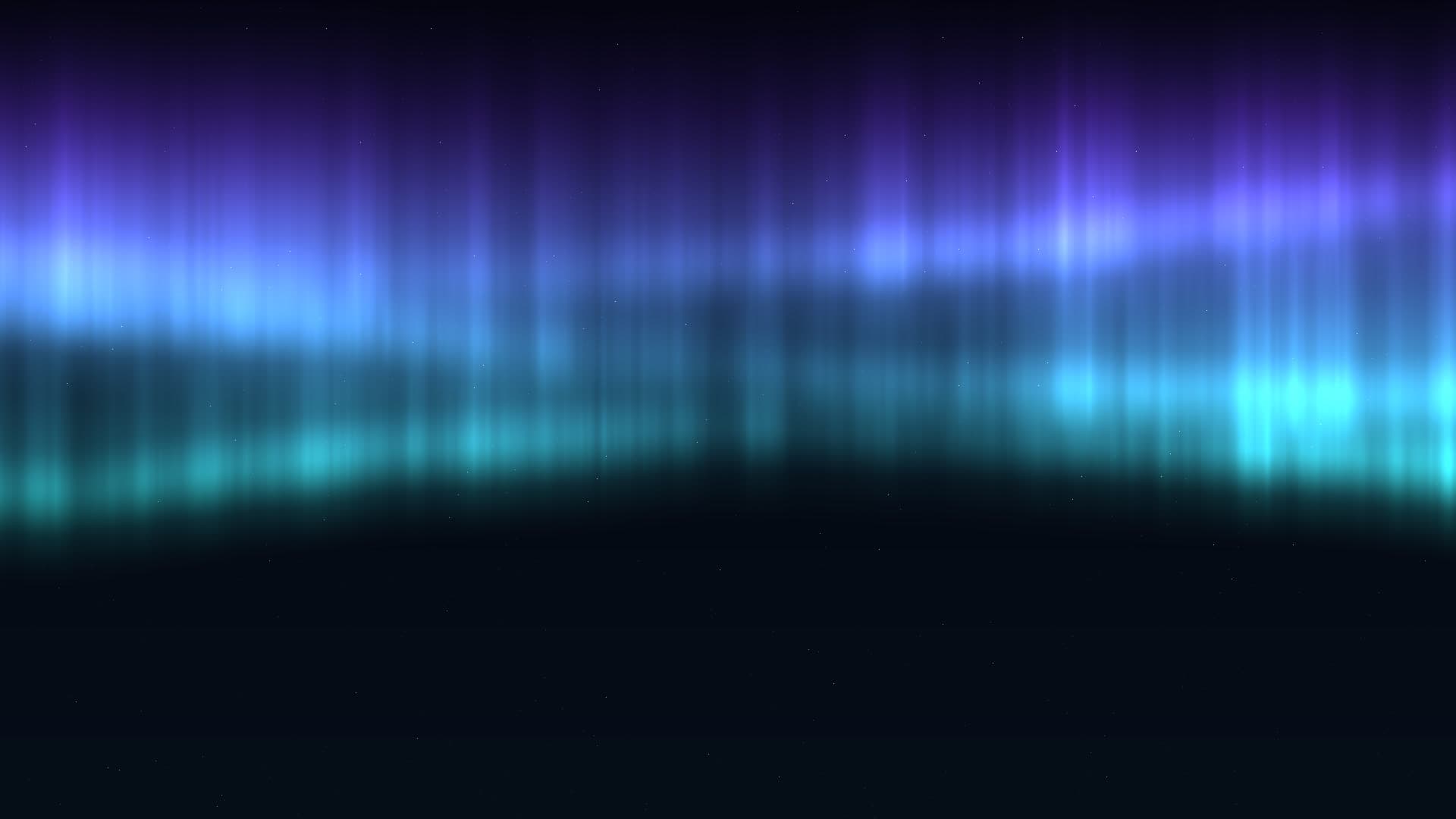
Mesmerizing northern lights dancing across your screen with flowing organic waves. Customize the curtain colors and animation speed to match your mood. Smooth, hypnotic motion brings the magic of polar skies to your desktop.
Run this as a live wallpaper with Novaframe
Novaframe is the free desktop engine behind these wallpapers — real-time shaders rendered on your GPU, not video loops. Download it once, then apply anything from the catalogue in one click.
Frequently asked questions
Related articles
Voronoi Drift: How Computational Geometry Becomes a Living Wallpaper
A Voronoi diagram answers one question: which point are you closest to? Ask it a few thousand times per second with moving seeds and you get something that looks alive.
4 min readPhysarum Slime Mold: The Living Network Growing on Your Desktop
Slime mold is one of the most fascinating organisms alive. It has no brain, no neurons, no plan — and it still finds the shortest path. Here's how I put that on your desktop.
4 min readSilk Aurora: What It Takes to Make Light Feel Like Liquid on a Desktop
Silk Aurora's ribbons of teal and violet never tear, never z-fight, and never repeat. Here's how a single 2D fragment pass pulls that off.
4 min read